146
6
The Shooting Menus
A
SHOOTING SETTING
Adjust shooting options.
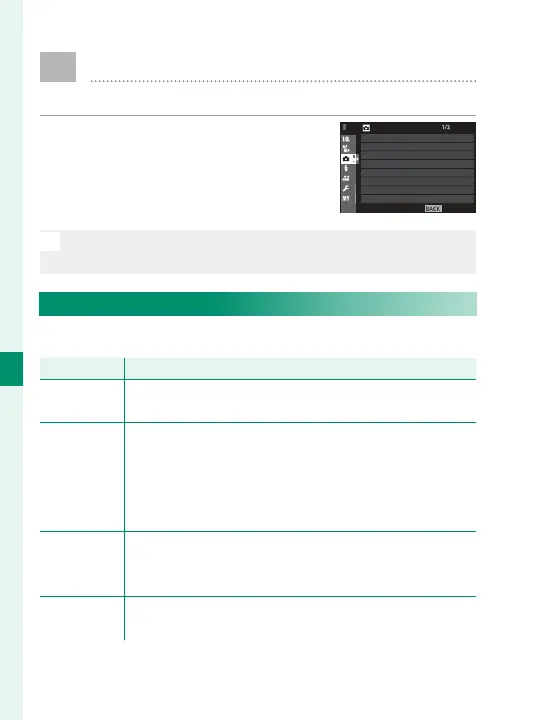
To display shooting options, press
MENU/OK in the shooting display
and select the A (SHOOTING SET-
TING) tab.
N
The options available vary with the shooting mode se-
lected.
DRIVE SETTING
Adjust settings for the various drive modes.
Option
Description
BKT SETTING
Choose the settings used when the drive dial is rotated
to BKT (
P
147).
CH HIGH
SPEED
BURST
Select the frame rate used when the drive dial is rotated
to CH (continuous high speed): 14, 11, or 8fps. Note
that 14fps is available only with the electronic shutter
and 11fps only with the electronic shutter or a power
booster grip (available separately).
CL LOW
SPEED
BURST
Select the frame rate used when the drive dial is rotated
to CL (continuous low speed): 5, 4, or 3fps.
ADV. FILTER
SETTING
Choose the fi lter used when the drive dial is rotated
to ADV. (
P
100).
EXIT
SHOOTING SETTING
SELF-TIMER
INTERVAL TIMER SHOOTING
SHUTTER TYPE
IS MODE
ISO AUTO SETTING
MOUNT ADAPTOR SETTING
WIRELESS COMMUNICATION
DRIVE SETTING


 To Next Page