241
Shortcuts
9
The Q (Quick Menu) Button
Viewing and Changing Settings
1
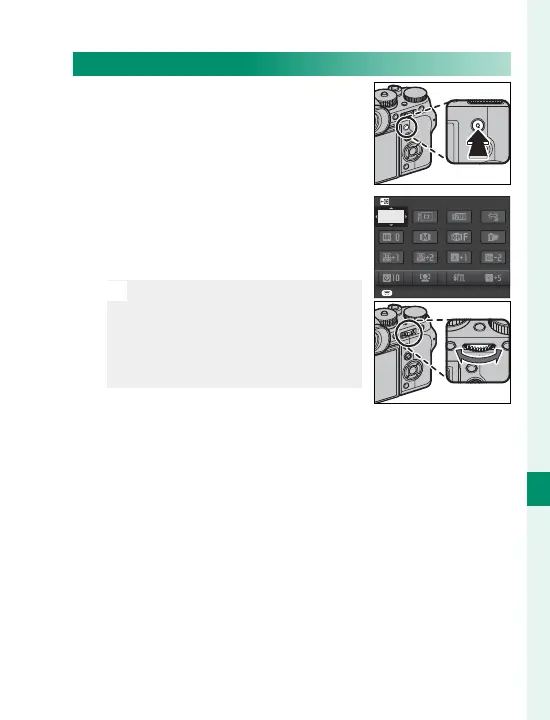
Press Q to display the quick
menu during shooting.
2
Use the selector to highlight
items and rotate the rear com-
mand dial to change.
N
Changes are not saved to the
current settings bank. Settings
that di er from those in the
current settings bank (t–
u) are shown in red.
SET
SELECT CUSTOM SETTING
BASE
3
Press Q to exit when settings are complete.



 To Next Page