4
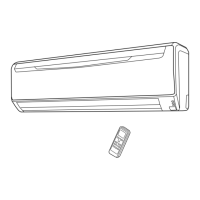
Fig. 6 Remote Control Unit
M Signal Transmitter
N MODE button
O 10ºC HEAT button
P COIL DRY button
Q SLEEP button
R TIMER MODE button
S FAN button
T START/STOP button
U SET button (Vertical)
V SET button (Horizontal)
W SWING button
X SET TEMP. button (
/ )
Y TIMER SET (
/ ) button
Z CLOCK ADJUST button
[ TEST RUN button
● This button is used when installing the air
conditioner, and should not be used un-
der normal conditions, as it will cause the
indoor unit’s thermostat function to oper-
ate incorrectly.
● If this button is pressed during normal op-
eration, the indoor unit will switch to test
operation mode, and the Indoor Unit’s OP-
ERATION Indicator Lamp and TIMER Indi-
cator Lamp will begin to flash simultane-
ously.
● To stop the test operation mode, press the
START/STOP button to stop the air
condi-
tioner.
\ RESET button
] Remote Control Unit Display (Fig. 7)
` Temperature SET Display
a Operation Mode Display
b COIL DRY Display
c SLEEP Display
d Transmit Indicator
e Fan Speed Display
f SWING Display
g Timer Mode Display
h Clock Display
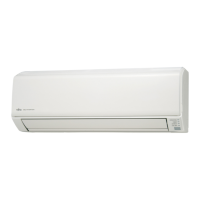
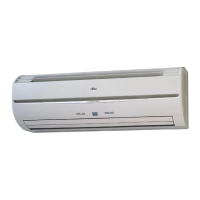
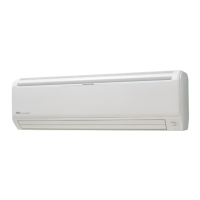
Fig. 1 Indoor Unit
1 Operating Control Panel (Fig. 2)
2 MANUAL AUTO button
●
When kept on pressing the MANUAL
AUTO button for more than 10 seconds,
the forced cooling operation will start.
● The forced cooling operation is used at the
time of installation.
Only for authorized service personnel's
use.
● When the forced cooling operation starts
by any chance, press the START/STOP but-
ton to stop the operation.
3 Indicator (Fig. 3)
4 OPERATION Indicator Lamp (green)
5 TIMER Indicator Lamp (orange)
● If the TIMER indicator lamp flashes when
the timer is operating, it indicates that a
fault has occurred with the timer setting
(See Page 16 Auto Restart).
6 DEFROST Indicator Lamp(yellow)
7 COIL DRY Indicator Lamp (yellow)
8 Remote Control Signal Receiver
9 Open Panel (Fig. 4)
0 Front Panel
A Air Filter
B Airflow Direction Louver
C Right-Left Louver
(behind Airflow Direction Louver)
D Drain Hose
E Air Cleaning Filter
F Power Diffuser
G Power Supply Plug
H Power Supply Cord
Fig. 5 Outdoor Unit
I Intake Port
J Outlet Port
K Pipe Unit
L Drain port (bottom)



 To Next Page