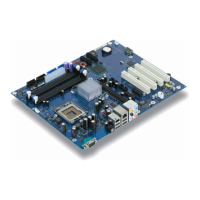
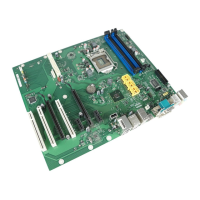
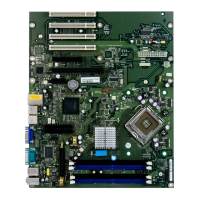
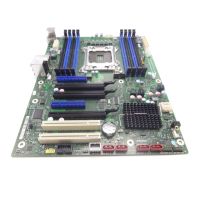
List of features
A26361-D1451-Z120-1-6319 English - 5
Brief instructions on installing
mainboard
If you have purchased a separate mainboard, you can install the mainboard in your system in
accordance with the following brief instructions.
The activities described here assume a basic knowledge of PCs and cannot be carried out by a
layperson. If you are not sure whether you have the necessary specialised knowledge, then leave
this work to an expert.
The illustrations of the system show examples of possible cases.
Prior to installation
Ê Please take note of the safety information in the "Important notes" chapter.
Ê Check whether the processor, memory modules and power supply are suitable for this
mainboard:
- (see "Installing and removing processors" chapter).
- (see "Upgrading main memory" chapter).
- (see "Electrical Properties" chapter).
Ê Make sure the current requirement of the fans (processor, case) does not exceed the
loadability of the fan connections (see chapter entitled "Electrical Properties").
Ê First only install the components absolutely necessary (graphics card, processor and heat sink,
one memory module) and only connect the required connections (power supply unit, case
connections such as ATX on/off switch, hard disk or floppy disk drive). You should not install
additional cards and devices until this minimum configuration successfully boots (see chapter
entitled "Add-on modules / Upgrading".



 To Next Page