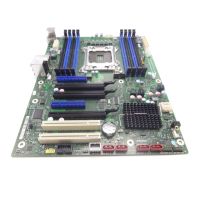
Adding PCI cards
18 - English A26361-D1451-Z120-1-6319
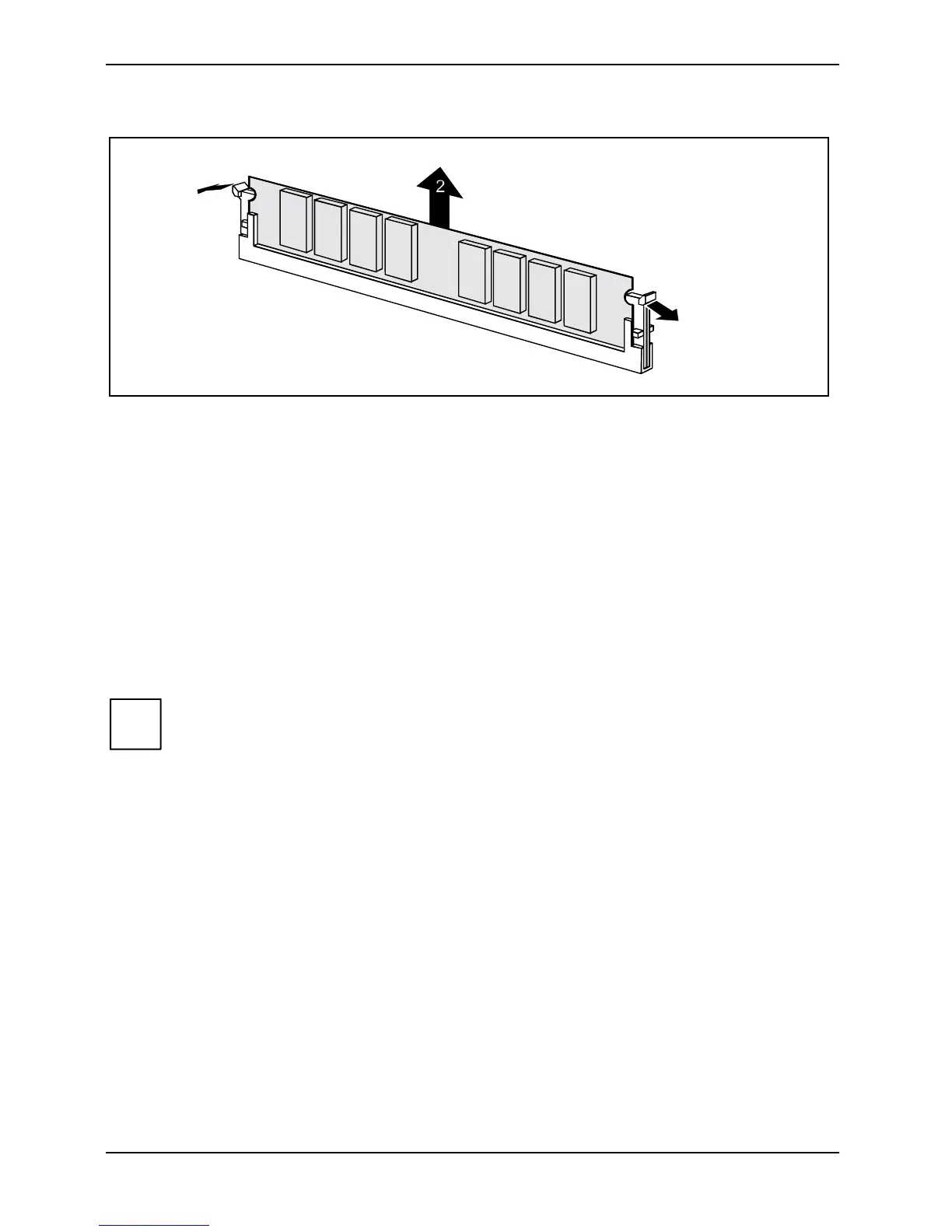
Removing a memory module
1
1
Ê Push the clips on the right and left of the compartment outward (1).
Ê Carefully remove the memory module from the compartment (2).
Adding PCI cards
Technical data:
32 bit / 33 MHz PCI slots
5 V and 3.3 V supply voltage
3.3 V auxiliary voltage
PCI bus interrupts - Selecting correct PCI slot
i
To achieve optimum stability, performance and compatibility, avoid the multiple use of
ISA IRQs or PCI IRQ Lines (IRQ sharing). Should IRQ sharing be unavoidable, then all
involved devices and their drivers must support IRQ sharing.
PCI IRQ Lines connect AGP slots, PCI slots and onboard components to the interrupt controller.
PCI IRQ Lines are permanently wired on the mainboard.
Which ISA IRQs are assigned to the PCI IRQ Lines is normally automatically specified by the BIOS
(see description in "BIOS Setup").
Monofunctional expansions cards:
Standard AGP and PCI expansion cards require a maximum of one interrupt, which is called the PCI
interrupt INT A. Expansion cards that do not require an interrupt can be installed in any desired slot.



 To Next Page