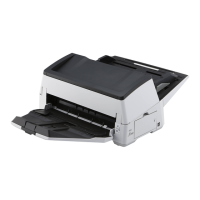
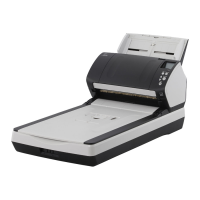
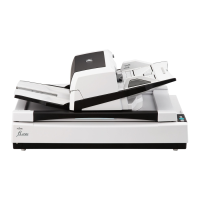
3 Remove the jammed document.
ATTENTION
● Make sure to check the documents and the paper path thoroughly. Remove any metal objects such as
staples or paper clips to prevent paper jams.
● Be careful not to damage the glass surface and the guides when removing documents with metal
objects such as staples or paper clips.
4 Close the ADF.
For details, refer to How to Close the ADF (page 78).
Be careful not to get your fingers caught when closing the ADF.
ATTENTION
● Confirm that the ADF is closed properly. Otherwise, documents may not be fed into the ADF.
● Occasionally when scanning is complete or canceled, documents may remain in the ADF without any
error message displayed. In that case, follow steps 1 through 4 above to remove the documents.
● To continue scanning, check which page you want to resume from, and load the document in the ADF
paper chute (feeder) again.
Troubleshooting
247



 To Next Page