10
LifeBook U810 Notebook BIOS
Keyboard/Mouse Features Submenu of the Advanced Menu
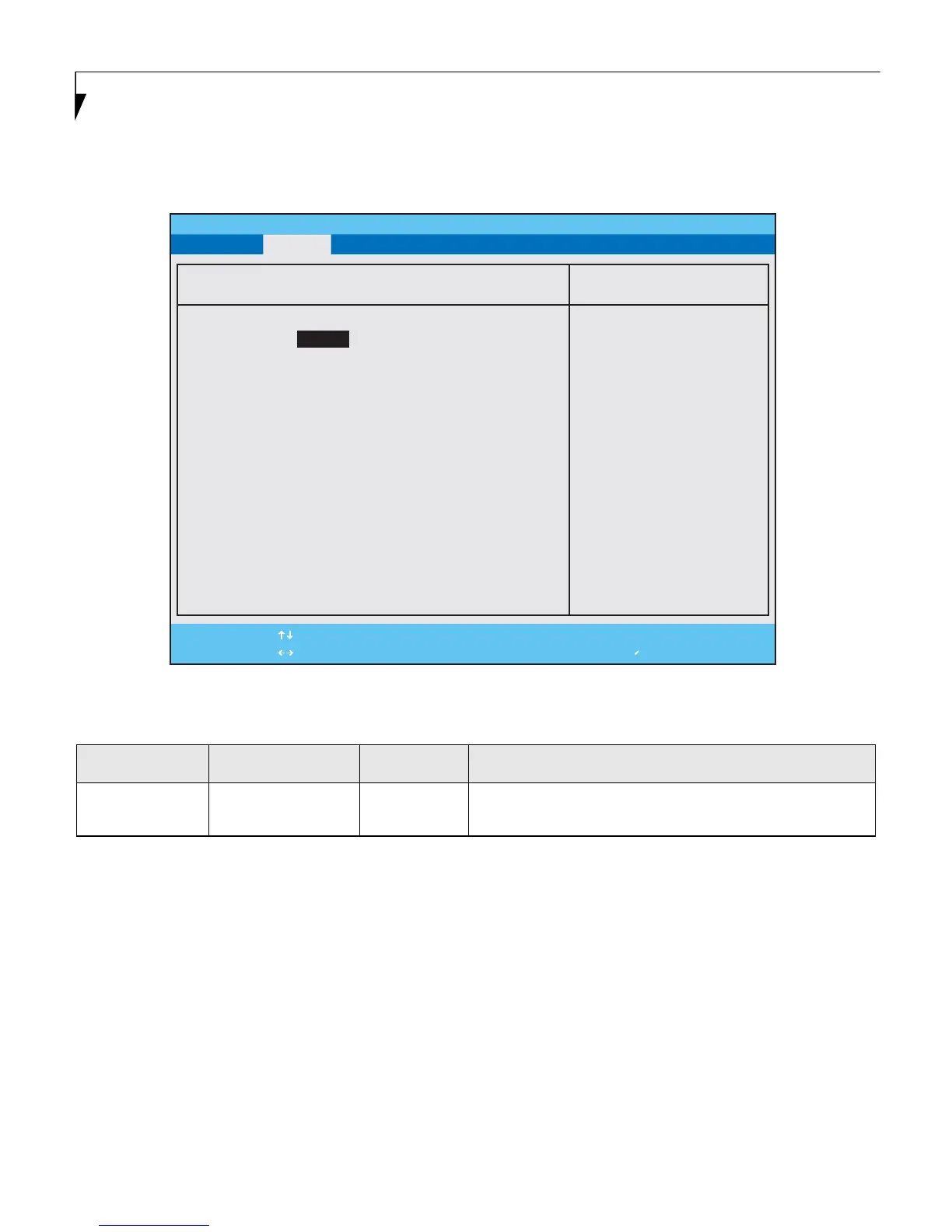
The Keyboard/Mouse Features submenu is for setting the condition of the NumLock button.
.
Figure 4. Keyboard/Mouse Features Submenu
Table 4: Fields, Options and Defaults for the Keyboard/Mouse Features Submenu of the Advanced Menu
Menu Field Options Default Description
Numlock:
■
On
■
Off
[Off] Sets the NumLock function state On or Off when the computer
completes booting.
F1 Help
ESC Exit
Select Item
Select Menu
-/Space
Enter
F9 Setup Defaults
F10 Save and Exit
Change Values
Select Sub-Menu
▲
Main Advanced Security Power Savings Exit
Item Specific Help
PhoenixBIOS Setup Utility
[On] or [Off]
Numlock is On or Off.
* Windows XP or later
OS preserves Numlock
state when the user
logs off.
Keyboard/Mouse Features
Numlock:
[Off]















 To Next Page