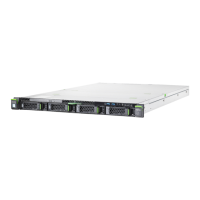
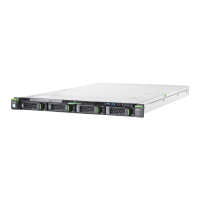
6.1.1.1 Control elements
6.1.1.2 Indicators on the control panel
Pos. Symbol Button Function
1 RST Reset button
This button is used to reboot the system. It
can be pressed using the end of a paper clip.
V CAUTION!
Risk of data loss!
2 NMI NMI button
This button is used to troubleshoot software
and device driver errors. It can be pressed
using the end of a paper clip.
V CAUTION!
Use this button only if directed to do so
by qualified certified maintenance
personnel!
3 ID ID button
This button highlights the ID indicator on the
front and I/O panels for easy server
identification.
7
On/Off
button
This button is used to switch the server on or
off.
I If the system is running an ACPI-
compliant operating system, pressing
the On / Off button will perform a
graceful shutdown.
Pos. Symbol Indicator Status Description
3 ID ID indicator
blue on
server has been highlighted using
ServerView Operations Manager,
iRMC web frontend or the ID
button on the front panel for easy
identification
blue
flashing
server has been highlighted using
IRMC (AVR) when local VGA off
for easy identification



 To Next Page
 Loading...