4
1.3 Selecting a Scanner
To scan documents with a scanner, you have to select its name from the list beforehand.
The following explains how to select a scanner to use.
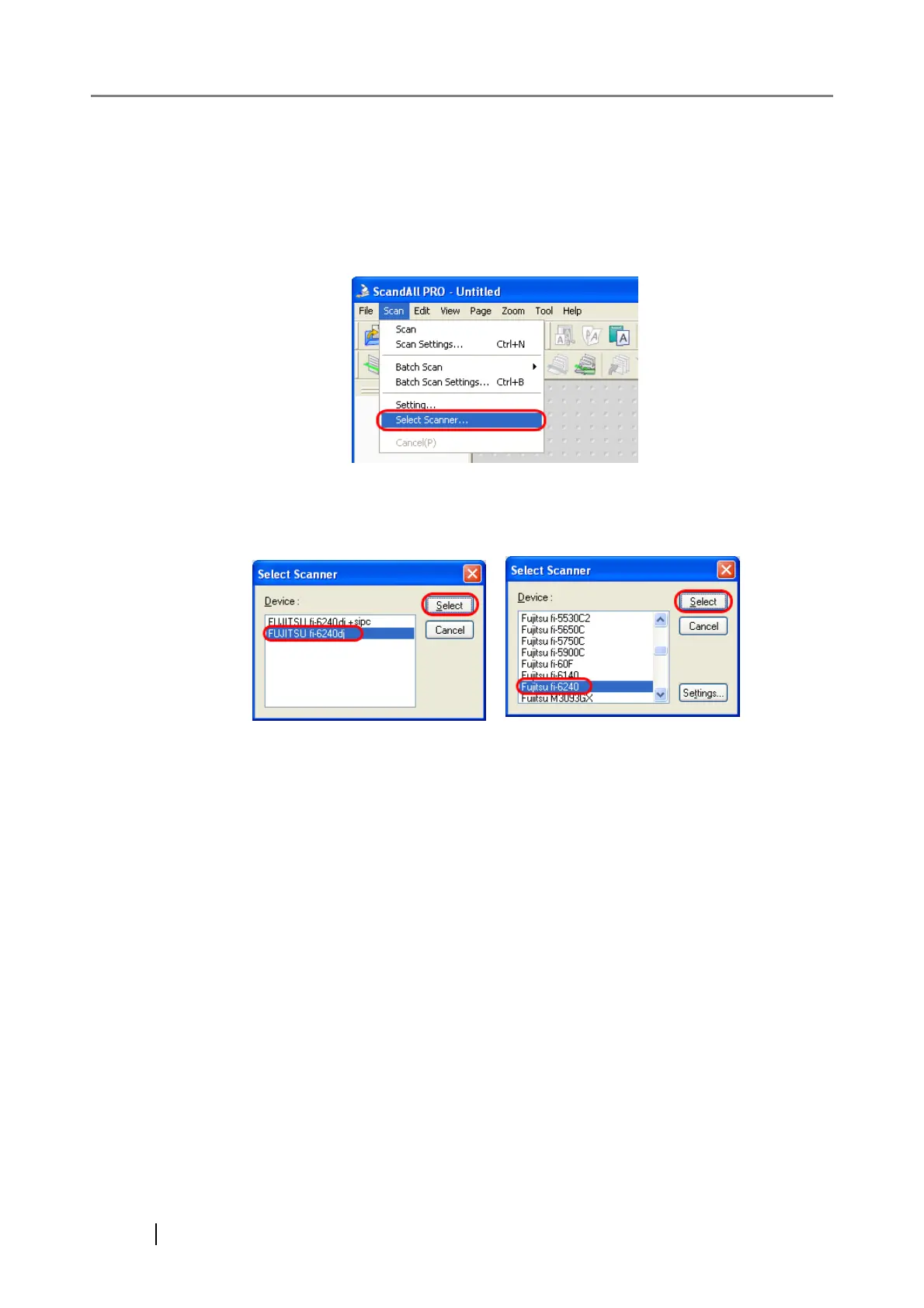
1. From the [Scan] menu, select [Select Scanner].
2. Select a scanner you want to use.
Select a scanner you want to use and click the [Select] button.
FUJITSU TWAIN 32
FUJITSU ISIS



 To Next Page