2.2 Batch Scan
How to use ScandAll PRO 13
HOW TO SCAN DOCUMENTS
2
2.2 Batch Scan
You can save various settings as profiles beforehand.
Batch Scan allows you to scan documents by using those profiles.
2.2.1 Creating/Editing Profiles
Creating, editing and deleting profiles are described as follows.
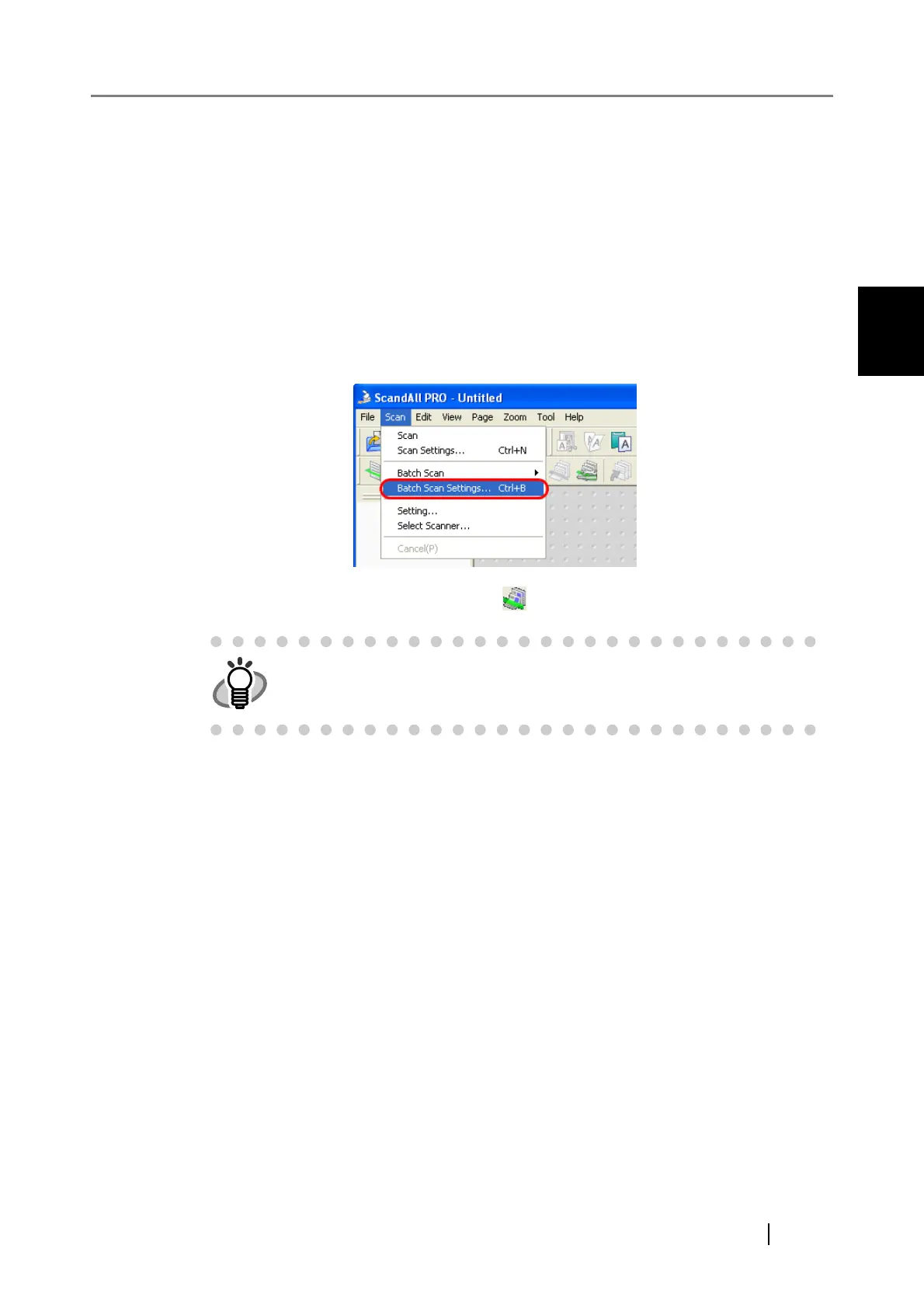
1. From the [Scan] menu, select [Batch Scan Settings].
Or, click the [Batch Scan Settings] button ( ) on the toolbar.
⇒ The [Batch Scan Setting] dialog box appears.
HINT
For launching ScandAll PRO, refer to "1.1 Launching ScandAll PRO"



 To Next Page