8
2.1 Scan
In this section, the scanning condition, such as file format, save-in folder or other scanning option,
is specified before each scanning.
1. Place the document on the scanner.
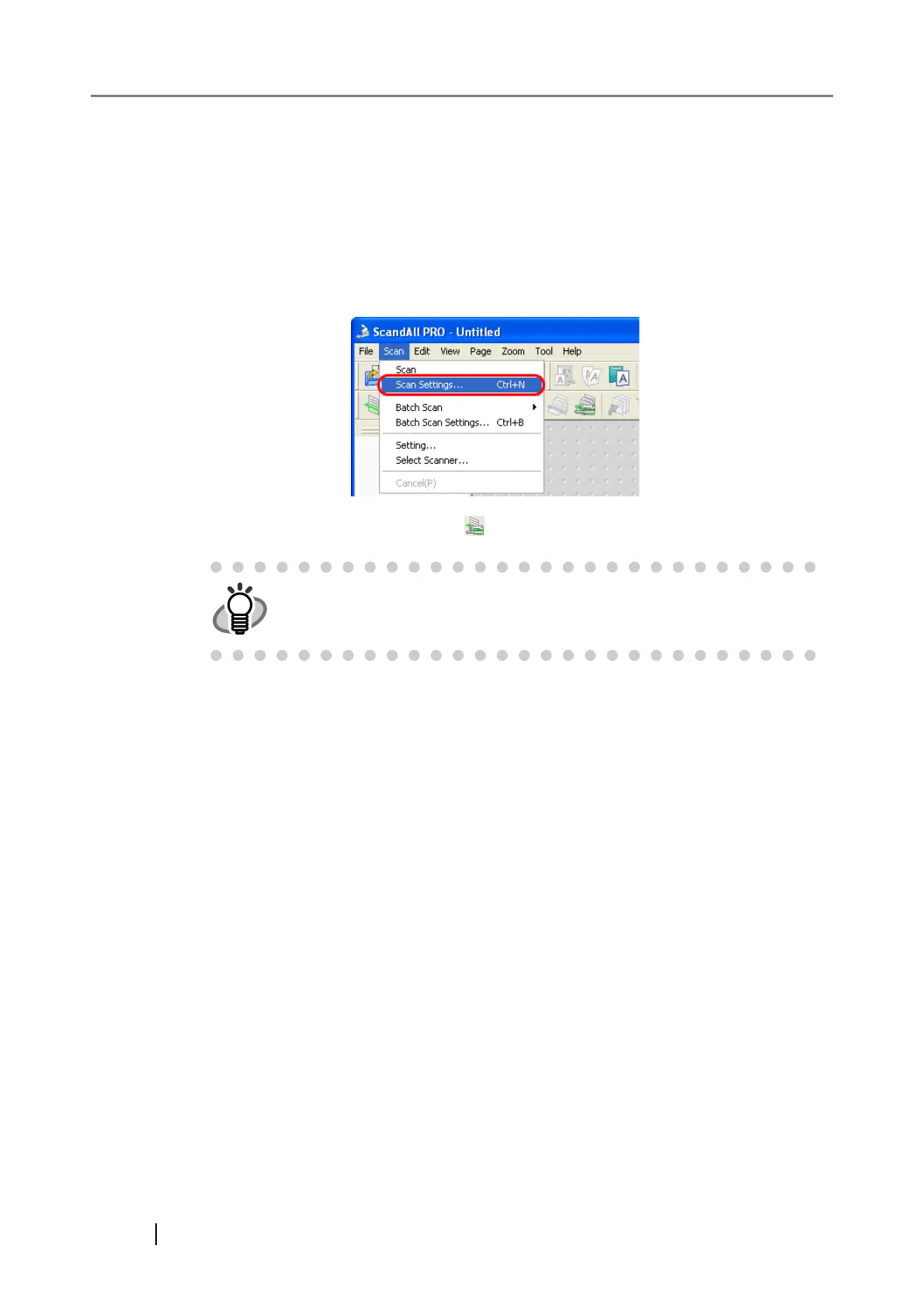
2. From the [Scan] menu, select [Scan Settings].
Or, select the [Scan Settings] button ( ) on the toolbar.
⇒ The [Scan Settings] dialog box appears.
3. In the [Scan Settings] dialog box, configure various settings for saving scanned
document images.
HINT
For launching ScandAll PRO, refer to "1.1 Launching ScandAll PRO"



 To Next Page