1.4 How to Display the Scanner Driver Setup Dialog Box
How to use ScandAll PRO 5
LAUNCHING AND SETTINGS
1
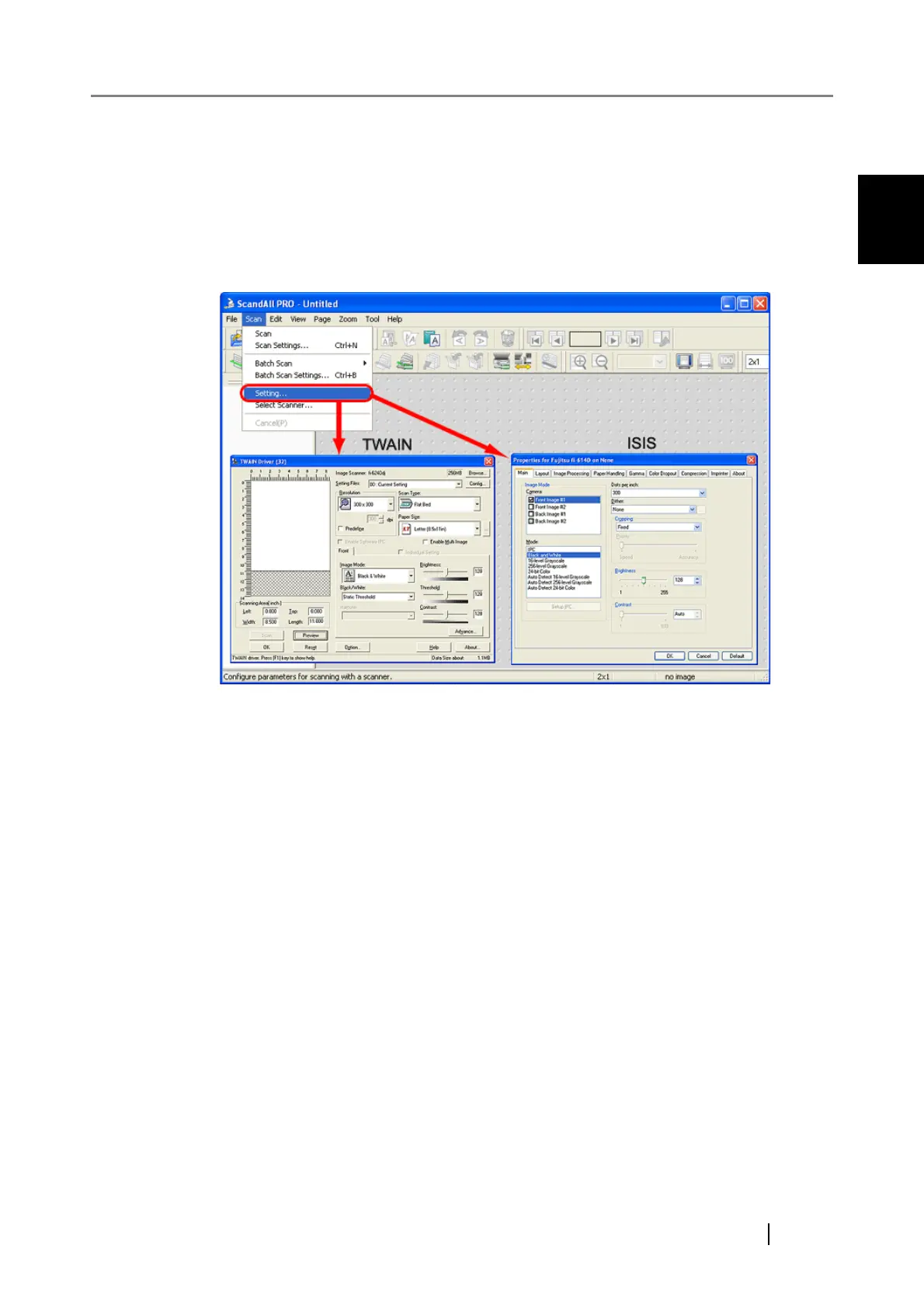
1.4 How to Display the Scanner Driver Setup Dialog
Box
You can configure settings for scanning documents with the selected scanner in the setup dialog
box of a scanner driver.
Select the [Scan] menu, and then select [Setting] to display the setup dialog box.
For information about setting items you can configure, refer to the section on the scanner driver
settings in the Operator's Guide provided with the scanner.



 To Next Page