1
Getting to Know Your LIFEBOOK
1
2
8
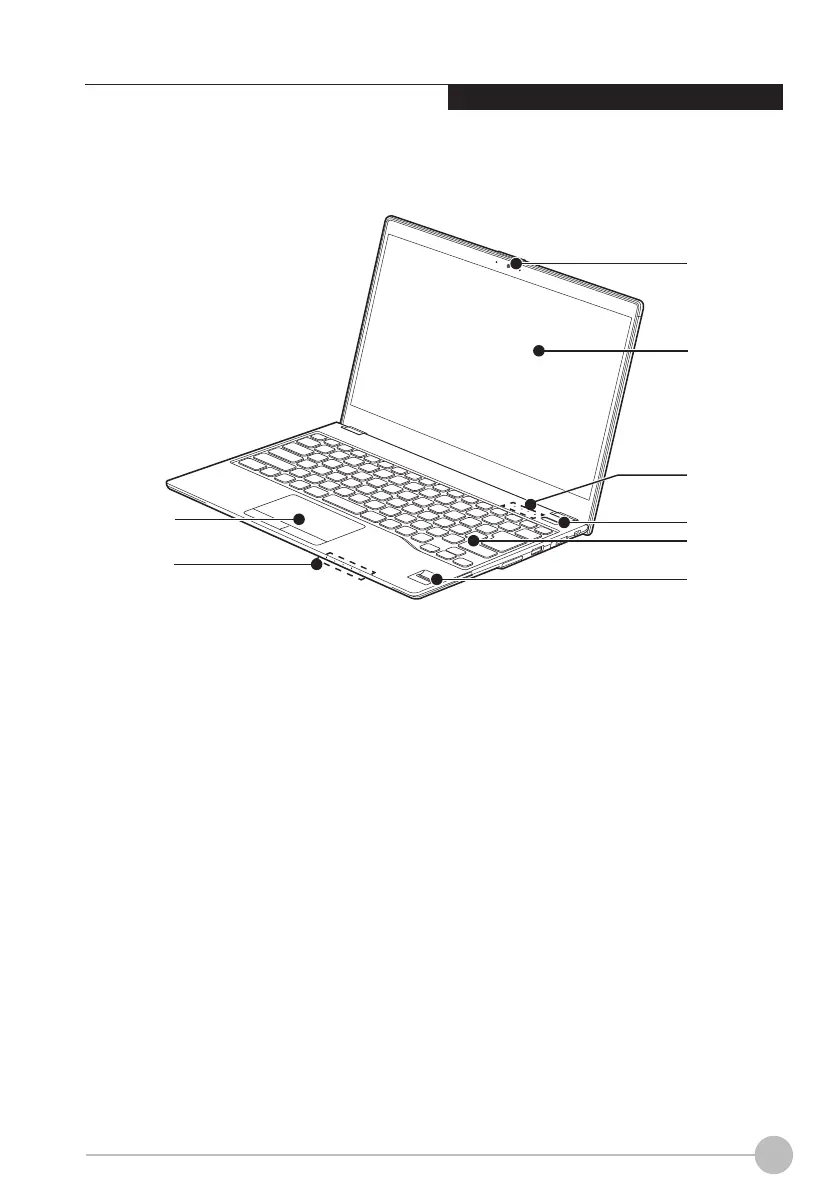
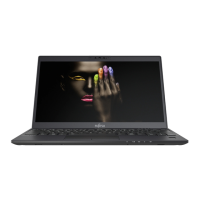
(This picture is for illustration purpose only and may look different from the actual unit)
NAMES OF THE PARTS
AND THEIR FUNCTIONS
HD Camera
The location of the high denition camera.
Display Panel
The display screen of the notebook.
Status Indicator LED
This indicator displays operating status
symbols that corresponded to specific
components of your notebook.
Power and Suspend/Resume Button
This button allows you to power on or off the
notebook. You can use also this button to
suspend notebook activity without turning off
the power to it and to resume the notebook
from suspend mode.
1.
2.
3.
4.
Front Features of LIFEBOOK
3
4
5
6
7
Keyboard
A full-function keyboard with dedicated
Windows Keys.
*Fingerprint / PalmSecure™ Sensor
The Fingerprint / PalmSecure™ Sensor
provides an alternative way to Windows
logon authentication and homepages logon
authentication.
(*Optional)
Status Indicator LED
This indicator displays operating status
symbols that corresponded to specific
components of your notebook.
Touch Pad
It allows you to control the display cursor
(Mouse pointer).
5.
6.
7.
8.






 To Next Page