Using the device
12 Fujitsu
Switching the device on
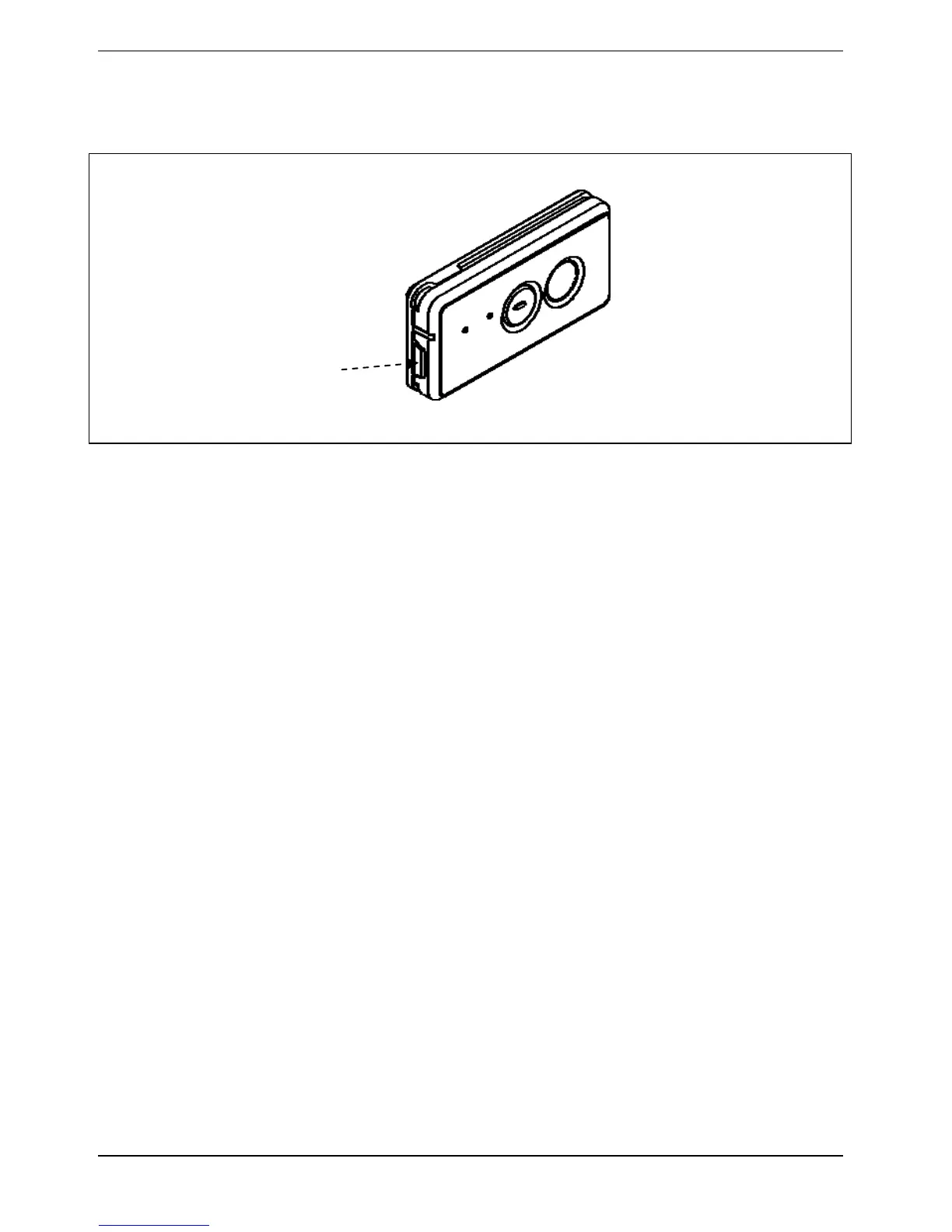
►Press the pow
er button for 3-5 seconds to sw
itch the device on.
→ The notification LED flashes green twice
Switching the device off
►Press the power button for 5 to 9 seconds to switch the device off.
→ The notification LED flashes green 3 times
Forced shut down
► Keep the power button pressed for at least 10 seconds.
→ The device will shut down. You can then restart it.
Pow
er button



 To Next Page