Using the device
Fujitsu 17
Charging and maintaining the battery
The device battery can only be charged when the ambient temperature is between 5°C / 41 °F and
max. 35°C / 95°F.
If the voltage of the internal battery is abnormal, a charging error will occur and the status indication
LED on the main unit will flash red. Remove the main unit from the charging cradle, then try charging
again using the correct procedure. If you are still unable to charge the battery, turn the main unit off
and consult with the source the product was obtained from.
Battery
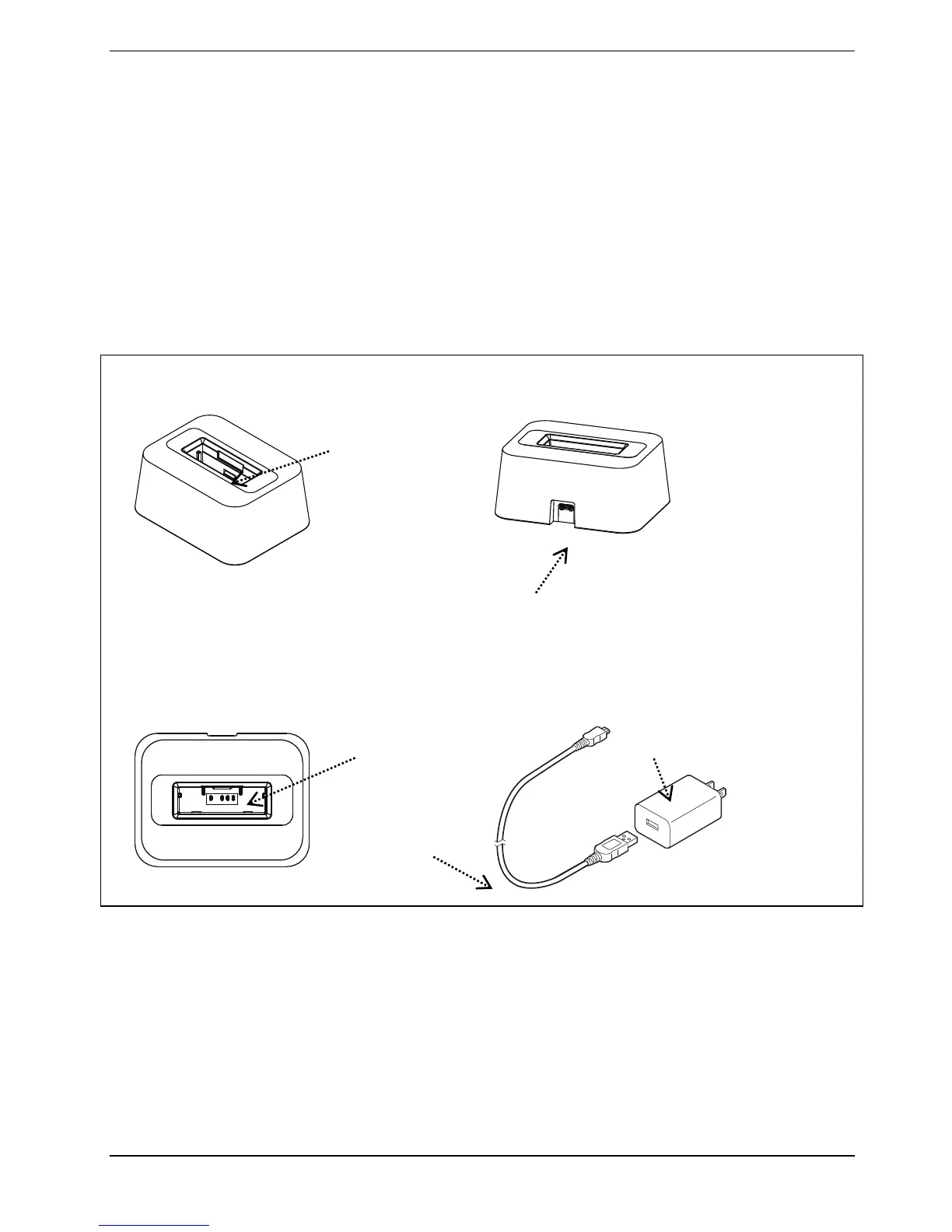
Cradle charger kit (for 1 device) components
Front Rear
Above AC adapter
microUSB port
Connect the USB cable here.
Lock area
Interlocks with the
main unit.
USB cable
Charging port
C adapter unit



 To Next Page