maximum speed of 600rpm.
For Interior work we suggest using slower speeds, where the laser beam is
easier to see by eye; but for Exterior Groundworks – run the FRE-208 @ its
maximum speed of 600rpm, which gives the best working range when used
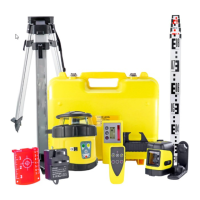
with the supplied FRD400R Laser Detector.
SCAN function - for Interior work:
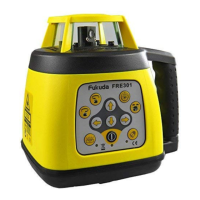
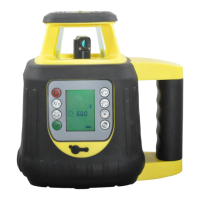
The second button up on the right of the keypad is the Scan function. The
User can set a static dot, or 10, 45, 90, 180 degree lines as required & use
the two buttons above to move the "laser line" position around the room.
AS THIS LASER AUTO LEVELS BOTH HORIZONTALLY & VERTICALLY,
all the control settings above operate in either mode.
Grading:
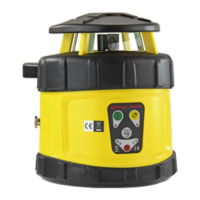
This is a TRUE DUAL GRADE laser level. This means that the FRE-208 can
be switched to "Manual" (red button "G" to over-ride the level sensors) and
then it is very easy for the User to set a grade (incline/slope) in the X axis
only, Y axis only or both together.
The max. settable slope range is +/- 10.00% ie. 1:10
For X & Y alignment, please see the embosed markings on the TOP of the
laser body where an arrow points in the direction of the axis being set.
Setting a single axis slope -
This sets a grade in the X axis.
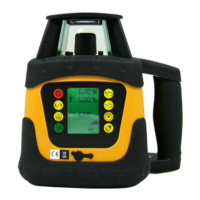
Procedure – switch ON; the FRE-208 then auto levels. Press the red "G"
button on the Remote Control or laser's keypad & the "X" flashes on the
screen. Using the top two right hand buttons, set the % gradient value
required.
The same buttons can be found on the Remote Control. Press the X/Y button
TWICE and the laser will adjust to this angle of slope, then rotate.
To return to Auto level, switch the laser OFF & ON again via the green button,
to reset the % values to zero. The Laser will wait to find true level, then
automatically restart, self levelled.


 To Next Page