EasyManua.ls Logo

Fukuda FRE-203XR - User Manual

Default Icon
29 pages
Print Icon
To Next Page IconTo Next Page
Loading...
Laser Levels Online
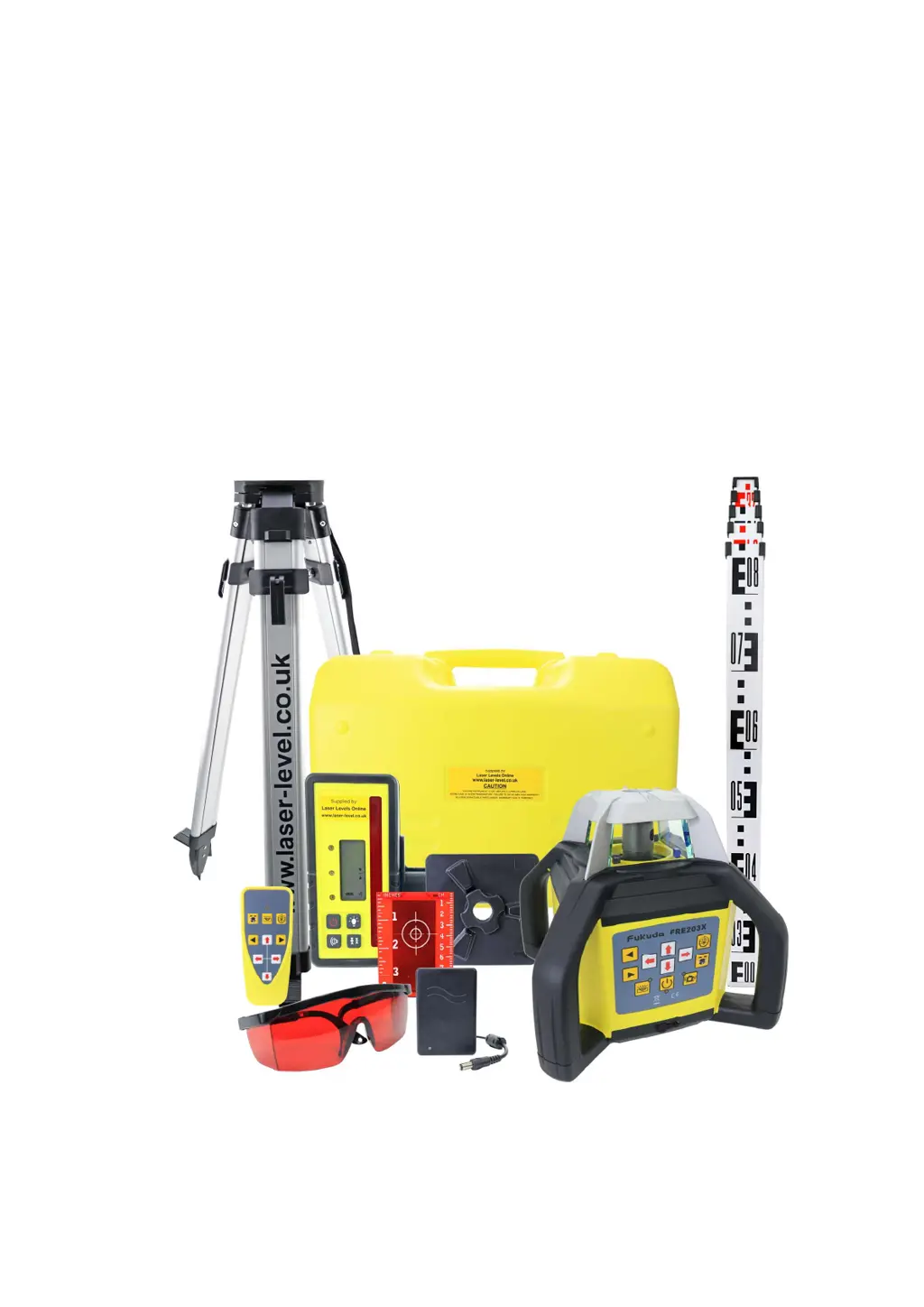
Fukuda FRE-203XR
REVISION 1.1
User Guide
© 2021 Laser Levels Online

Other manuals for Fukuda FRE-203XR

Questions and Answers

  • P
    Paul KnightAug 3, 2025
    What to do if Fukuda Laser Level detector is not detecting the laser beam?
    • D
      Daniel AdkinsAug 4, 2025
      If your Fukuda Laser Level detector isn't picking up the laser beam, here's what to check: * Make sure the detector batteries aren't low and replace if needed. * Ensure the laser level and detector are within their specified operating range, as being too close can prevent beam detection. * Keep the protective lighthouse glass clean from dust and dirt.
  • Y
    Yolanda TorresAug 9, 2025
    Why is my Fukuda Laser Level not holding its charge?
    • B
      Brooke JenkinsAug 9, 2025
      If your Fukuda Laser Level is not holding its charge, the battery pack may need attention. Try charging the battery pack or consider replacing it if it's old or has been through many charging cycles.
  • M
    Michael HernandezAug 16, 2025
    How to fix Fukuda Laser Level that will not self-level?
    • M
      Monique LittleAug 16, 2025
      If your Fukuda FRE-203XR Laser Level won't self-level, reposition it to be within ±5 degrees of level. If the prism remains tilted, try turning the laser off and on again. If it still doesn't level, it might have impact damage, and you should contact the Service Department.
  • C
    Christine AlexanderAug 21, 2025
    Why my Fukuda Laser Level will not power on?
    • B
      Brian JohnsonAug 21, 2025
      If your Fukuda Laser Level won't power on, check the batteries. Ensure they are not dead standard batteries, rechargeable batteries that need charging, and that the polarity is correct. Also, make sure you're using the correct OEM charger; contact us to purchase one if needed. Finally, verify that all users know which batteries are compatible.
  • K
    Kathryn HarrisAug 27, 2025
    What to do if Fukuda Laser Level will not power off?
    • N
      Nicole GarrisonAug 27, 2025
      If your Fukuda Laser Level won't power off, safely dry out the laser and accessories thoroughly before trying again. The issue might be due to poor storage conditions.

Summary

INTRODUCTION

Overview

Provides a general overview of the Fukuda FRE-203XR laser level's features and build quality.

SAFETY

Details essential safety instructions and warnings for operating the laser level to prevent injury or damage.

KEY PAD OVERVIEW

REMOTE CONTROL OVERVIEW

CHARGING & BATTERIES

INSTRUCTIONS: HORIZONTAL LEVELLING

INSTRUCTIONS: VERTICAL LEVELLING

INSTRUCTIONS: 90° SQUARING

USING THE LASER: POWER AND MODES

USING THE LASER: ADVANCED FUNCTIONS

USING THE LASER: GRADING FUNCTIONS

HOW TO SET SLOPES (FALLS;GRADES) - WORKING EXAMPLE 1

HOW TO SET SLOPES (FALLS;GRADES) - WORKING EXAMPLE 1 (CONT.)

HOW TO SET SLOPES (FALLS;GRADES) - WORKING EXAMPLE 2

HOW TO SET SLOPES (FALLS;GRADES) - WORKING EXAMPLE 2 (CONT.)

HOW TO SET SLOPES (FALLS;GRADES) - GRADE RATIO

HOW TO SET 90° SQUARING

CHECKING THE CALIBRATION

REFRACTION ISSUES

TROUBLE SHOOTING

TROUBLE SHOOTING (CONTINUED)

Fukuda FRE-203XR Specifications

General IconGeneral
BrandFukuda
ModelFRE-203XR
CategoryLaser Level
LanguageEnglish

Related product manuals