7
Charging the Vacuum
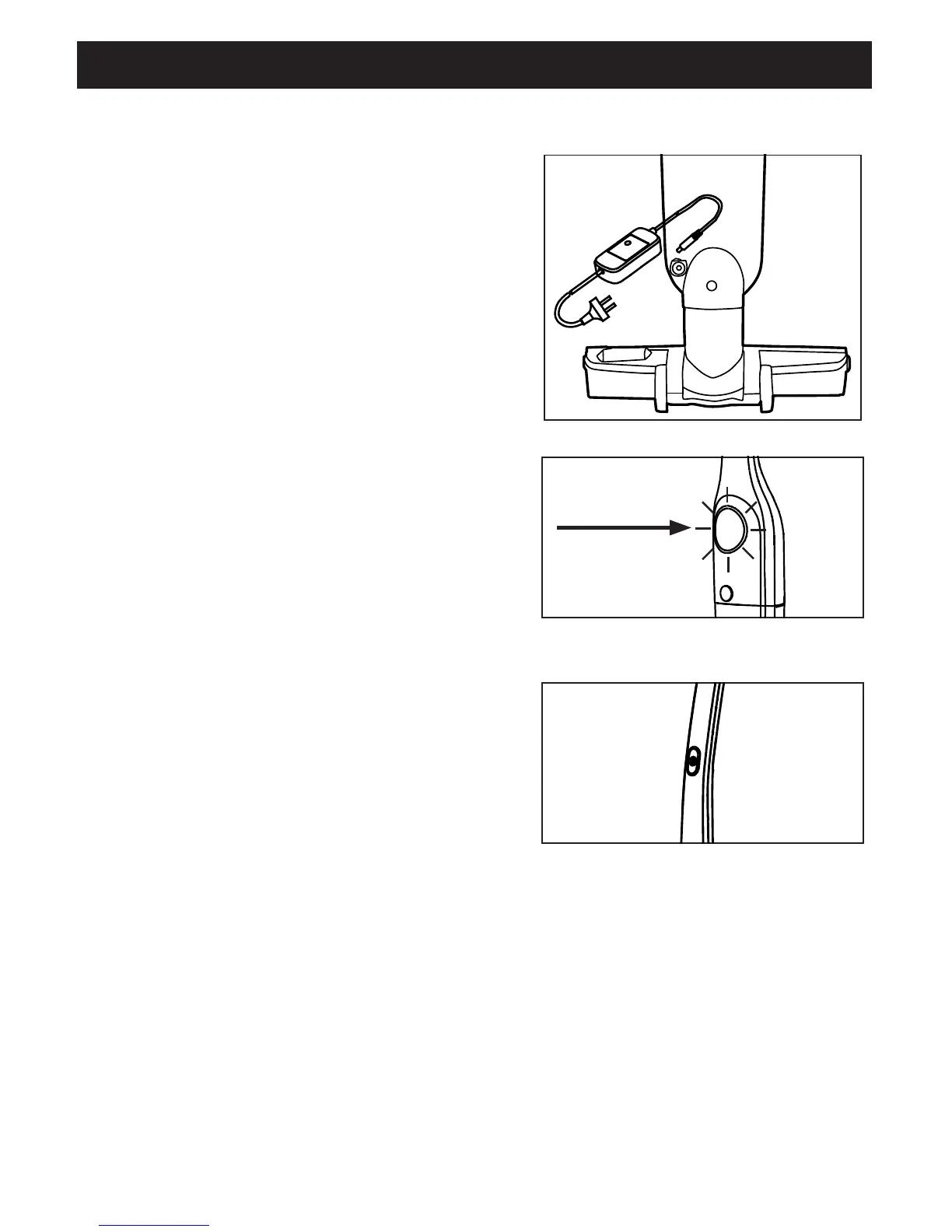
Install the battery into the vacuum (Installing
the Battery pg. 5 ). Plug the battery charger
into the back of the vacuum and into an
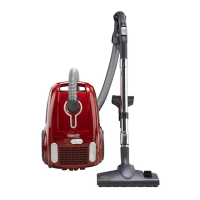
electrical outlet (Fig. 1). The indicator
light will illuminate red while the battery
is charging (Fig. 2). When the power
button illuminates green, the battery is fully
charged. Remove the charger from the
vacuum and begin vacuuming.
NOTE: The vacuum should be charged for
at least 12 hours for the first three times it is
in use to ensure the battery is fully charged.
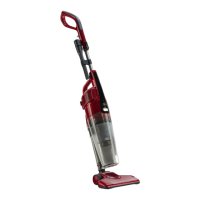
On/Off Button
Push the power button on the handle
(Fig. 3) to turn on the vacuum. Press the
power button again to turn off the vacuum.
Reclining the Vacuum
Place your foot on the top of the floor
nozzle and pull the handle toward you.
Fig. 1
Fig. 2
Fig. 3
How to Operate the Vacuum
Red = Charging
Green = Fully Charged



 To Next Page