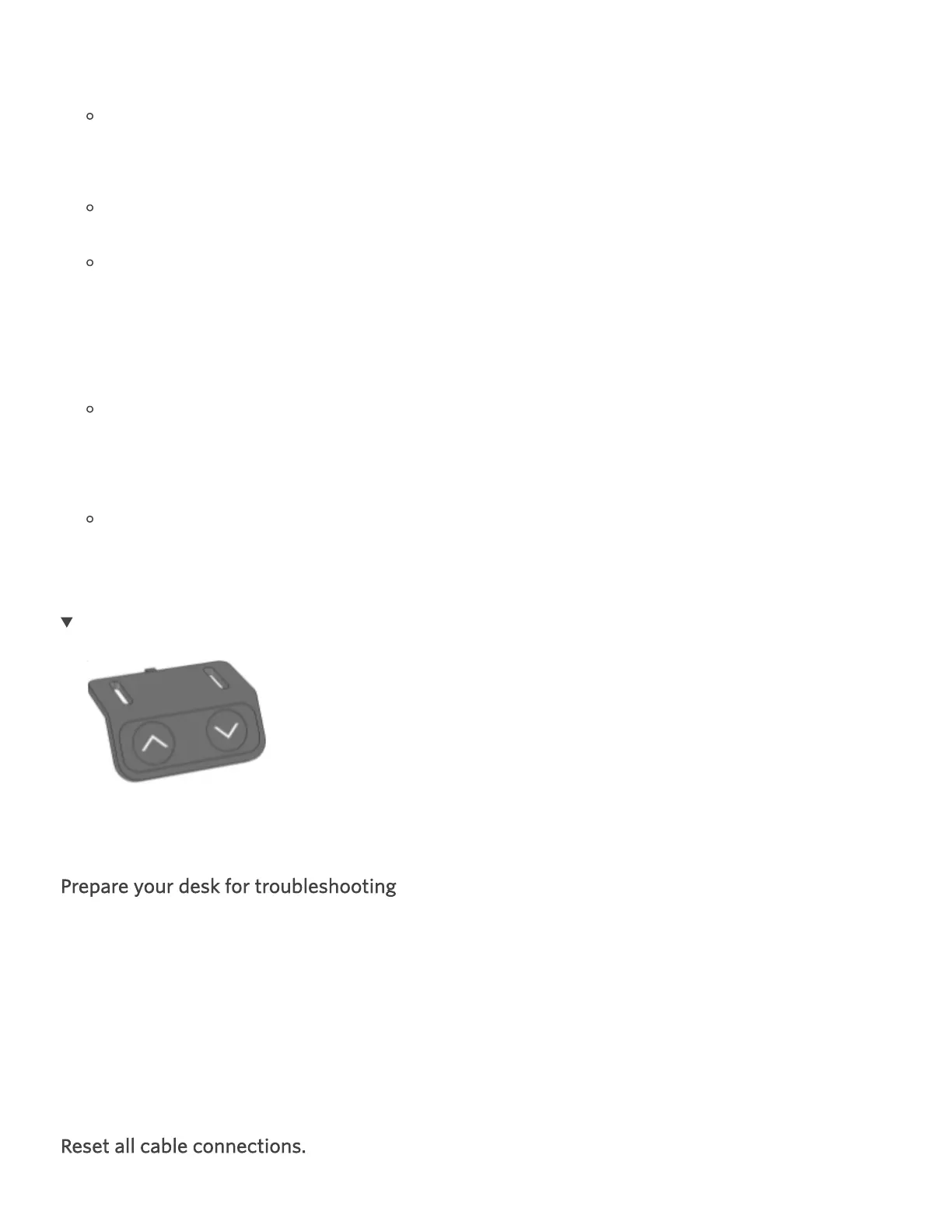
Hold the down arrow until the desk begins to move down.
If the desk doesn't immediately start to move down, hold the down arrow for up to 10
seconds, release, and hold again.
Repeat this step up to three times until the desk begins to move down.
The screen should read RST (looks like ASR).
Once the desk begins moving down, continue to hold the down arrow until the desk
reaches its lowest height, dips down slightly, and then pops back up.
If it doesn't pop up after 10 seconds, press and hold it again.
Once the desk dips down and pops back up again, the reset is complete.
The desk should move in both directions and display the height on the screen.
Prepare your desk for troubleshooting
Remove any obstructions from underneath the desk.
Ensure your Control Box (Part H) is firmly attached. Go here for installation tips.
If the desk becomes uneven at any point, stop troubleshooting and contact us.
Reset all cable connections.


 To Next Page