7
Operation
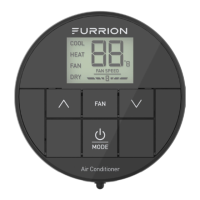
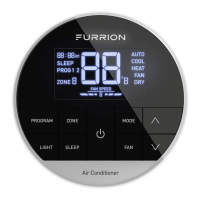
Your Furrion wall thermostat has been
preprogrammed with factory default
settings. Review the settings below and
adjust to your comfort level.
FACTORY DEFAULT SETTINGS
HEATING 68ºF / 20ºC
COOLING 72ºF / 22ºC
FAN SPEED AUTO
MODE AUTO
FURNACE DIFFERENTIAL 2ºF
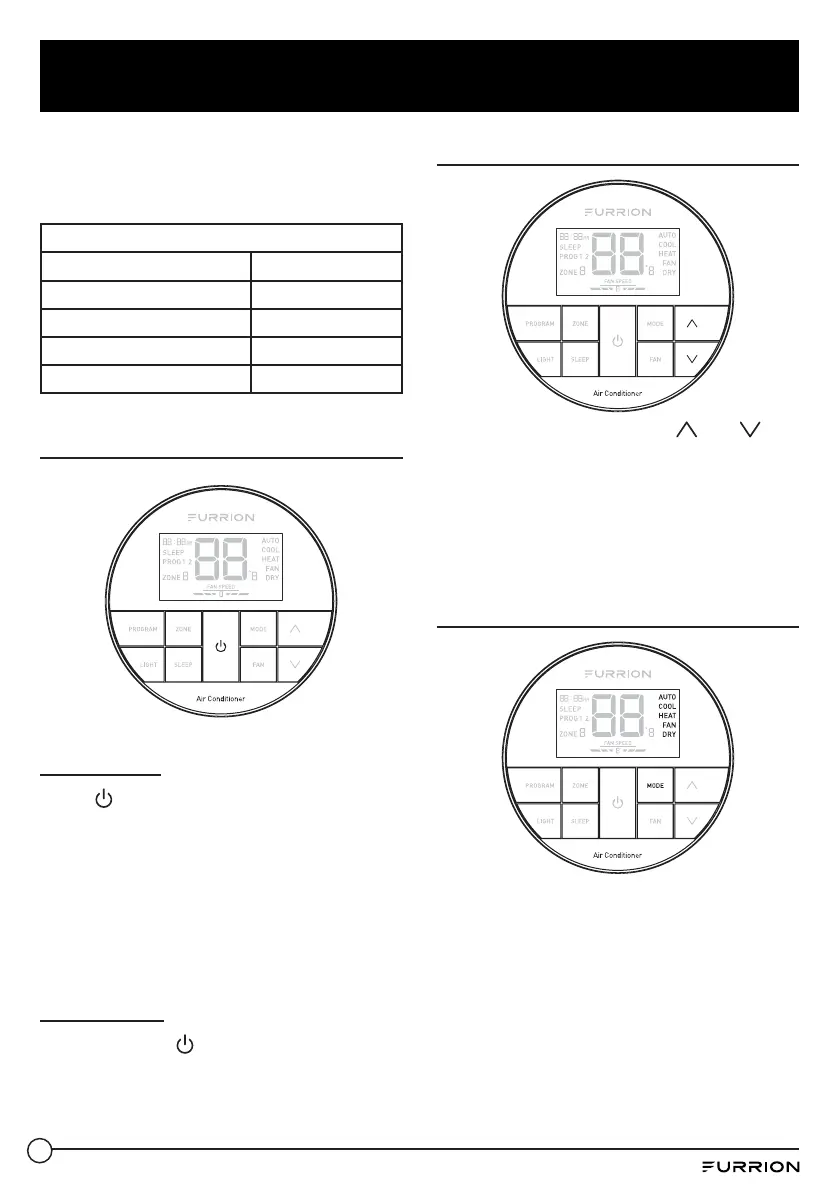
Turn On/Off the Thermostat
To turn On
Press
button to turn on the
thermostat. The thermostat LCD will be
illuminated and the factory settings will
be displayed on the LCD for first time
use.
NOTE: The LCD will display the
last setting if you have changed the
parameters.
To turn Off
Press and hold
button for 3 seconds to
turn off the thermostat.
Only the current room temperature will
be displayed on the LCD.
Temperature Format
Simultaneously press both and
buttons for 3 seconds to toggle the
temperature format between Centigrade
and Fahrenheit.
NOTE: ºF indicates Fahrenheit and ºC
indicates Centigrade.
Operation Mode
After the thermostat is turned on,
press MODE button repeatedly to toggle
through the available modes. The
activated mode icon and temperature
set-point will be displayed on the LCD.
The thermostat will transmit the last
selected operation mode command to
the control box after 2 seconds without
any operation.


 To Next Page