6. MENU OPERATION
6-12
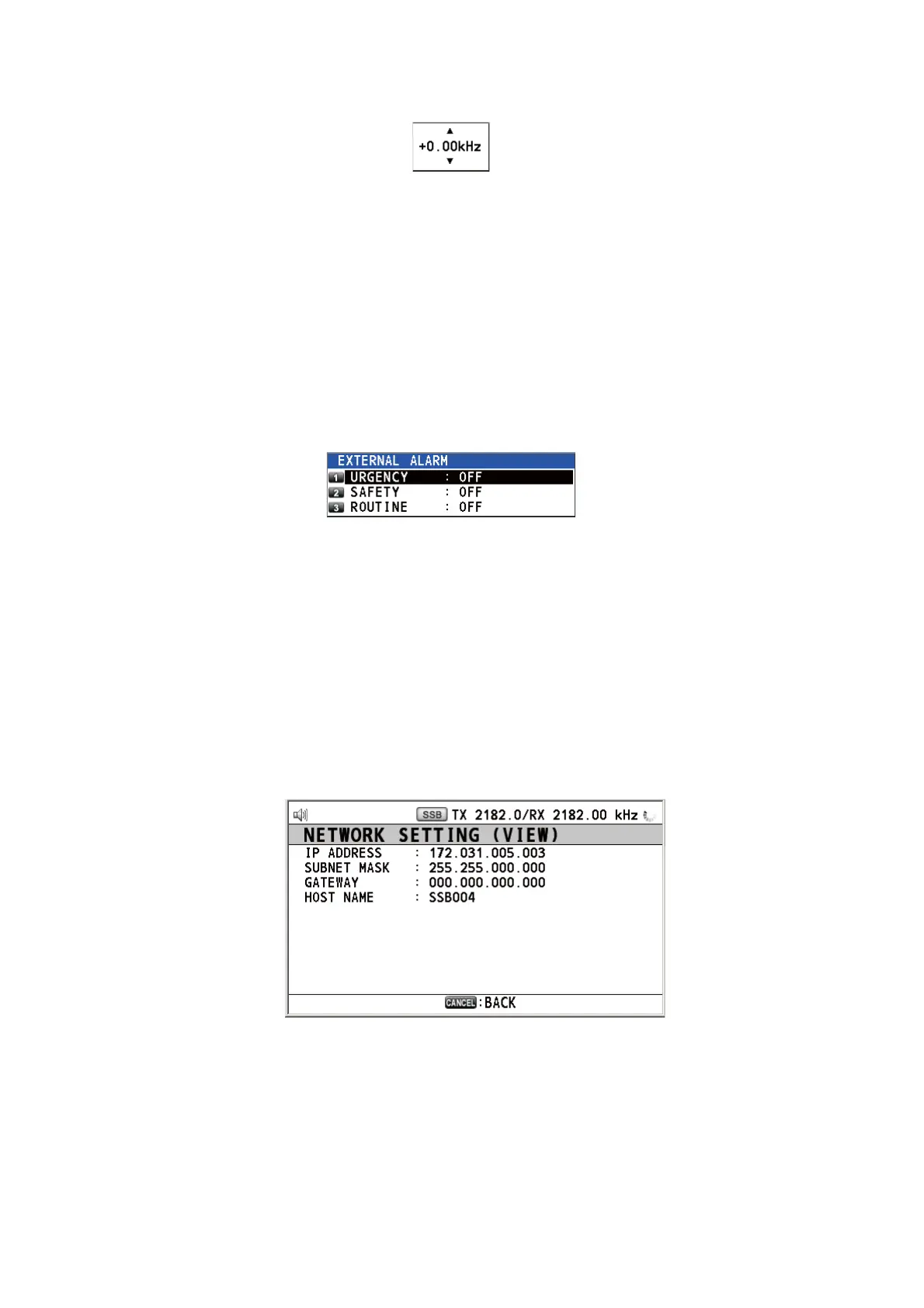
1) Rotate the ENTER knob to select [+0.00 kHz] then push the knob.
2) Rotate the ENTER knob to adjust the receiving frequency (setting value: -0.20
to +0.20).
6.13 External Alarm Setting
The [EXTERNAL ALARM] menu enables/disables output of the contact signal for ur-
gency, safety and routine frequencies to an external alarm system.
1. Rotate the ENTER knob to select [SYSTEM] on the [MENU] screen then push the
knob.
2. Rotate the ENTER knob to select [EXTERNAL ALARM] then push the knob.
3. Rotate the ENTER knob to select [URGENCY], [SAFETY] or [ROUTINE], then
push the knob.
4. Rotate the ENTER knob to select [ON] or [OFF] then push the knob.
6.14 NETWORK Setting
View your network settings on the [NETWORK SETTING (VIEW)] screen.
1. Rotate the ENTER knob to select [SYSTEM] on the [MENU] screen then push the
knob.
2. Rotate the ENTER knob to select [NETWORK] then push the knob.



 To Next Page
 Loading...


