81
<Model Menu (Common Functions)>
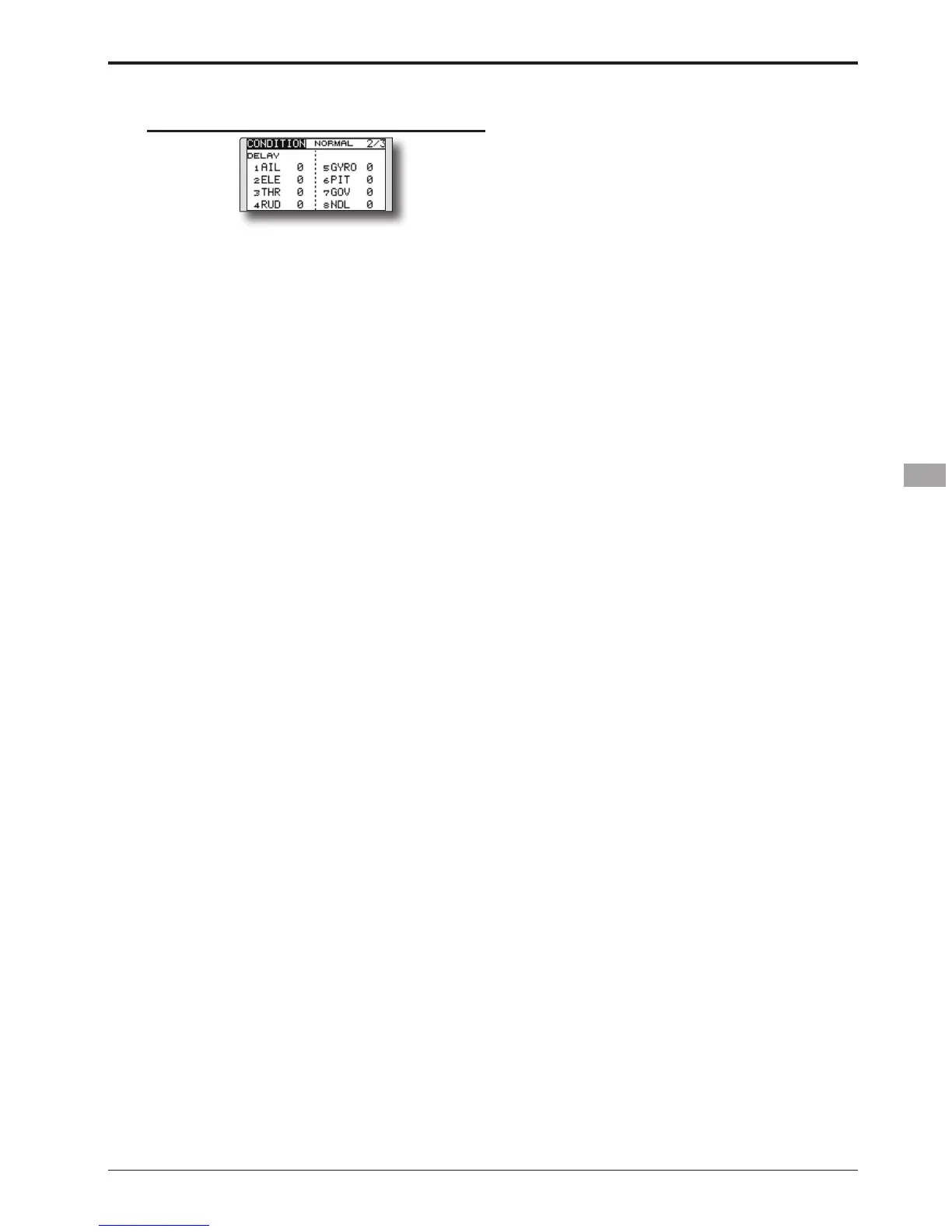
Condition delay setting
(Setup screen page 2)
1. Select the condition for which you want to
set.
2. Move the cursor to the "DELAY" item of the
channel you want to set and touch the RTN
button to switch to the data input mode.
Adjust the delay amount by scrolling the
touch sensor.
Initial value: 0
Adjustment range: 0~27 (maximum delay)
3. Touch the RTN button to end adjustment and
return to the cursor mode.


 To Next Page