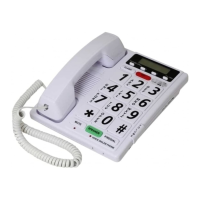
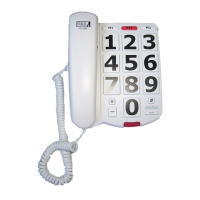
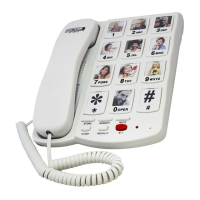
1. Slide the Normal / One touch Switch to NORMAL position.
2. Lift the handset and place it on the side. Do not listen to the handset while
programming.
3. Press and release STORE button. There will be no sound on the handset when
you are programming this is normal.
Note: Once you start programming a number do not hesitate
4. Press the 0-9 keys for the telephone number you wish to store including area
code if needed.
5. Press and release the STORE button again.
6. Press the (0-9) (pictures) where you want that telephone number stored in.
7. Your number is now stored.
8. Replace handset.
9. To change a stored number, repeat the same process. The new number
will be stored over the old stored number.
Note: If you need to disconnect the 911 key you may program any other number
you wish or just the digit “1” into this key by following the above points 1-5 push
the 911 key for point 6 then points 7-8.
To Retrieve Memory Numbers
Key button Memories:
Your phone provides the option of “Normal” or “One Touch” dialing mode.
Normal mode - To retrieve numbers stored in the key button,
pick up the handset and press the PHOTOCALL button.
Then press the key button number (0-9) (pictures) which stores the
telephone number you want to dial. Your call will be automatically dialed.
One Touch mode - To retrieve numbers stored in the key button, Pick up the
phone and wait for a dial tone, then press the key button (pictures) which stores
the telephone number you want to dial. Your call will be automatically dialed.
Please note:
– Original Two touch memories will become one touch memories at ONE
TOUCH mode
– There will be no dialing (0-9) function when the ONE TOUCH mode is
selected
– You can not program any memories when in ONE TOUCH mode
Inserting Pictures (Photos)
1. Remove numbered plastic cover from each key 0-9.
2. You will need a pictures approximately 1” x 1” inch.
3. Place picture into key.
4. Replace plastic cover.

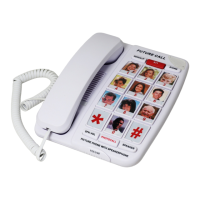

 To Next Page