13
6.1 Main functions
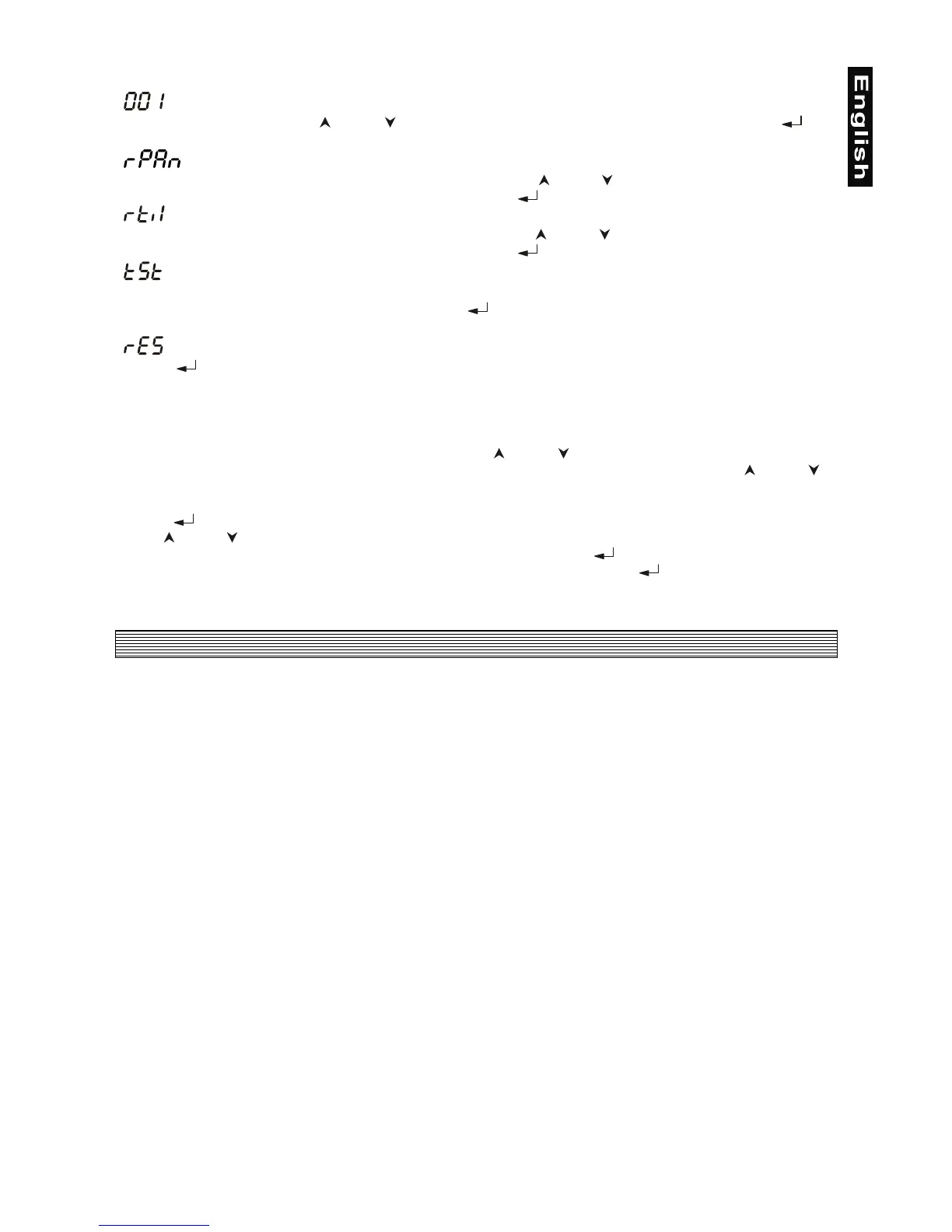
- DMX 512 Address settings
The
"001"
flashes. Use the
[
]
and
[ ]
keys to select required address (001 - 509) and press
[ ]
to
confirm and return to the main menu.
- Pan reverse
This function allows you to invert the Pan-movement. Use the
[
]
and
[ ]
keys to select
"On"
if you wish
this feature or
"Off"
if you don’t wish this feature and press
[
]
to confirm and return to the main menu.
- Tilt reverse
This function allows you to invert the Tilt-movement. Use the
[
]
and
[ ]
keys to select
"On"
if you wish
this feature or
"Off"
if you don’t wish this feature and press
[
]
to confirm and return to the main menu.
- Test program
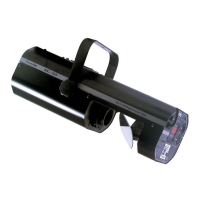
This function allows you to run a special demo-test sequences without an external controller, which will show
you some possibilities of using SC-240. Press the
[
]
key to run the test program, the
"tSt"
will start to
flash.
- Reset Function
Press
[
]
key to run reset. This option enables the SC-240 to index all effects (functions) and return to
their standard positions.
6.2 Special functions - calibration
Run a test program,
"tSt"
must be flashing. Press the
[
]
and
[ ]
keys together and hold them until the
display will show message
"C08"
meaning the calibration value of the colour-wheel. Use the
[
]
and
[ ]
keys to adjust a new calibration value from range
"C01 - C15"
, the wheel moves in microsteps, so you can
easilly center the current colour.
Press
[
]
, the display will show
"G08"
, meaning the calibration value of the gobo-wheel.
Use
[
]
and
[ ]
keys to adjust a new calibration value from range
"G01 - G15"
, the wheel also moves in
microsteps, so you can easilly center the current gobo. Now press
[
]
in order to go back to colour
calibration (display shows current colour calibration value) or press
and hold
[
]
key until the display will
show
"tSt"
in order to finish calibration procedure.
7. Technical specifications
Power supply
EU-model: 210/230/250 V AC, 50/60 Hz ~
US-model: 100/120/210/230/250 V AC, 50/60 Hz ~
Power consumption: 500 W
Fuse: T 3.15 A, 250 V
Lamp
MSD/HSD 230 V/250 W GY-9.5 or MSD/HSD 230 V/200 W GY-9.5
Optical System
- High reflecting aluminium-coated parabolic reflector
- Manual focus
- Standard 19° focused beam angle
Colours
- 11 dichroic-filters plus white
- UV-filter
- 3 dichroic semicolours filters
- Colour-wheel with variable rotation speed
Gobos
- 13 static gobos plus full circle
Strobe
- Strobe effect with variable speed (1 - 8 flashes per second)
Motor
- 4 high quality stepping-motors controlled by microprocessors
Electronics
- Intelligent control panel with 3-digit LED display allowing: addressing PAN and TILT reverse, effect
calibration, reset of the unit and built-in test sequence running
- Digital serial input DMX-512


 To Next Page