19
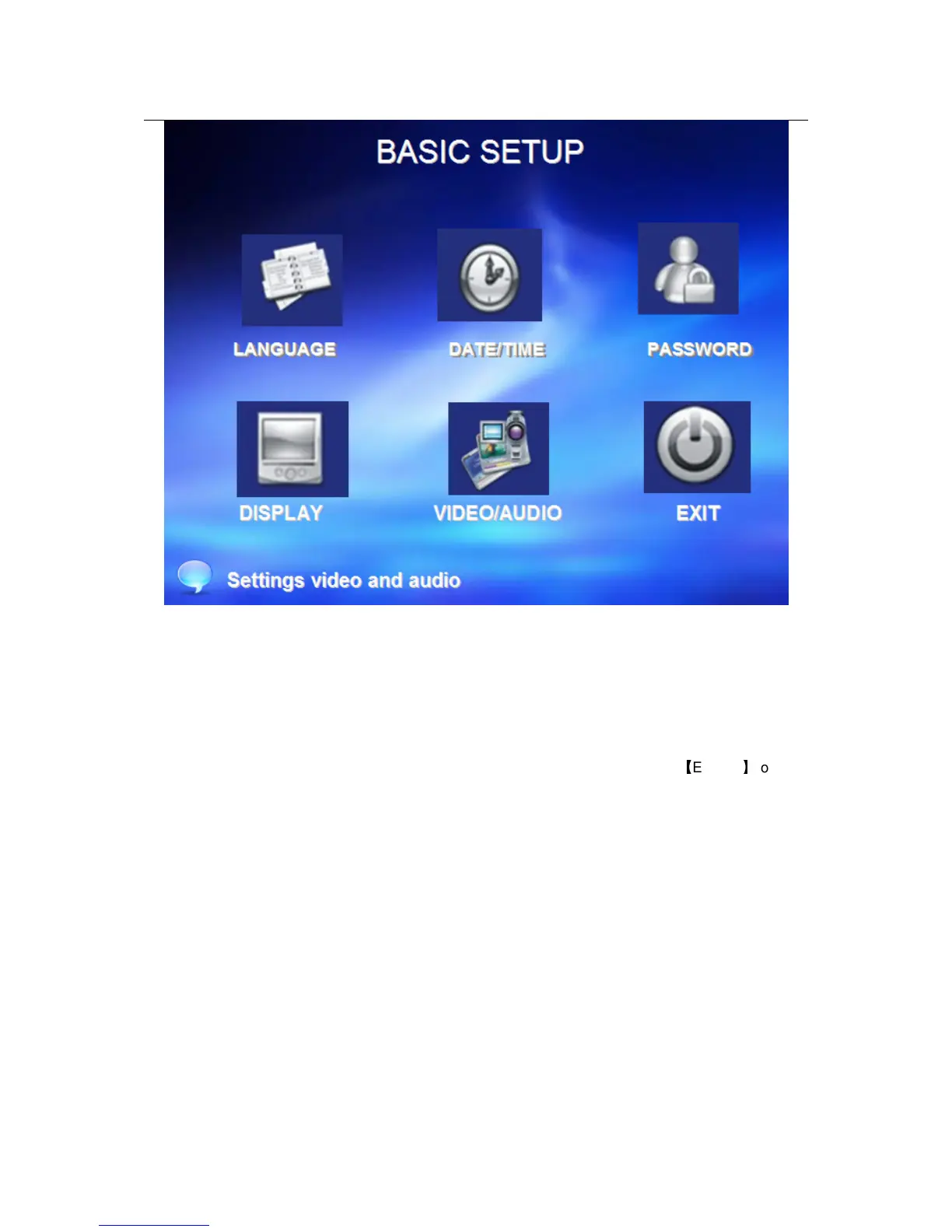
Basic setup includes system language, time/date, security, display, video/audio and exit six
options.
2.2.2.4.1 SYSTEM LANGUAGE SETUP
Move cursor to select “system language” (The big icon means select ok)and press
【
ENTER
】
to enter
into the system language setup interface.


 To Next Page