22
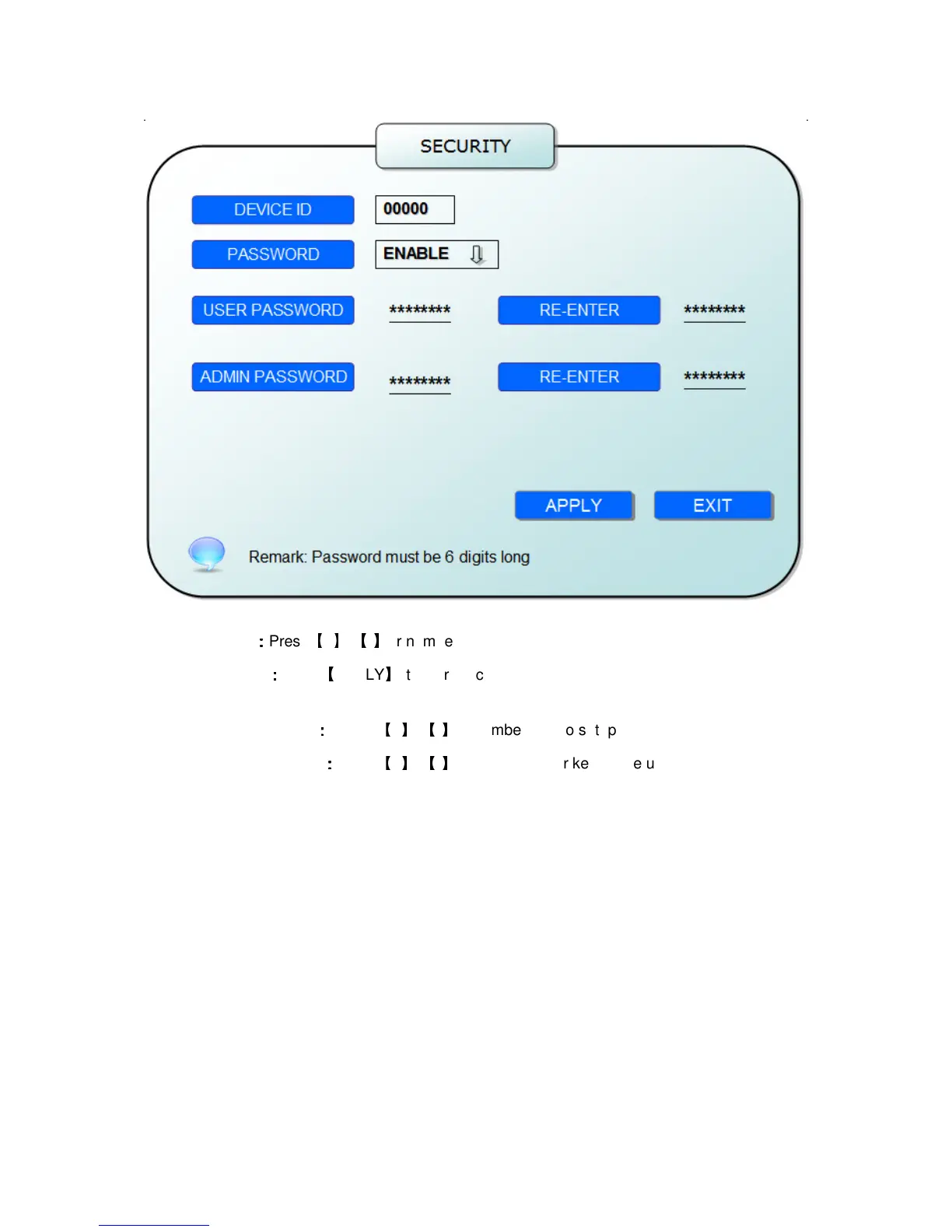
DEVICE ID
:
::
:
Press
【
+
】
/
【
-
】
or number key to setup the unite ID
PASSWORD
:
::
:
Press
【
APPLY
】
to start or close user password. If it is “ENABLE”, you must
input password when log in, otherwise, you can enter into main manu directly.
USER PASSWORD
:
::
:
Press
【
+
】
/
【
-
】
or numbe keys to setup user password.
ADMIN PASSWORD
:
::
:
Press
【
+
】
/
【
-
】
or press number keys to setup admin password.


 To Next Page