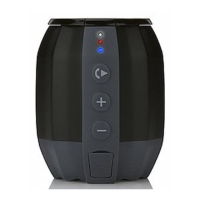
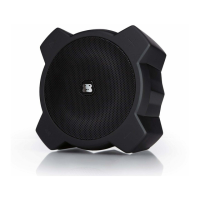
WIRED TRAVEL SPEAKER
G-Z IPG-Z IP
LINE IN CONNECTION
1 Slide function switch towards AUX to select Aux-in audio source. The Power
LED indicator will turn WHITE.
2 Connect G-ZIP with an external device through the supplied audio input plug.
3 Adjust the volume and navigate your audio content on your device.
4 After use, disconnect your device from the speaker and slide the switch to
turn the speaker off.


 To Next Page