p.11
Using Your Drive
Easy Installation
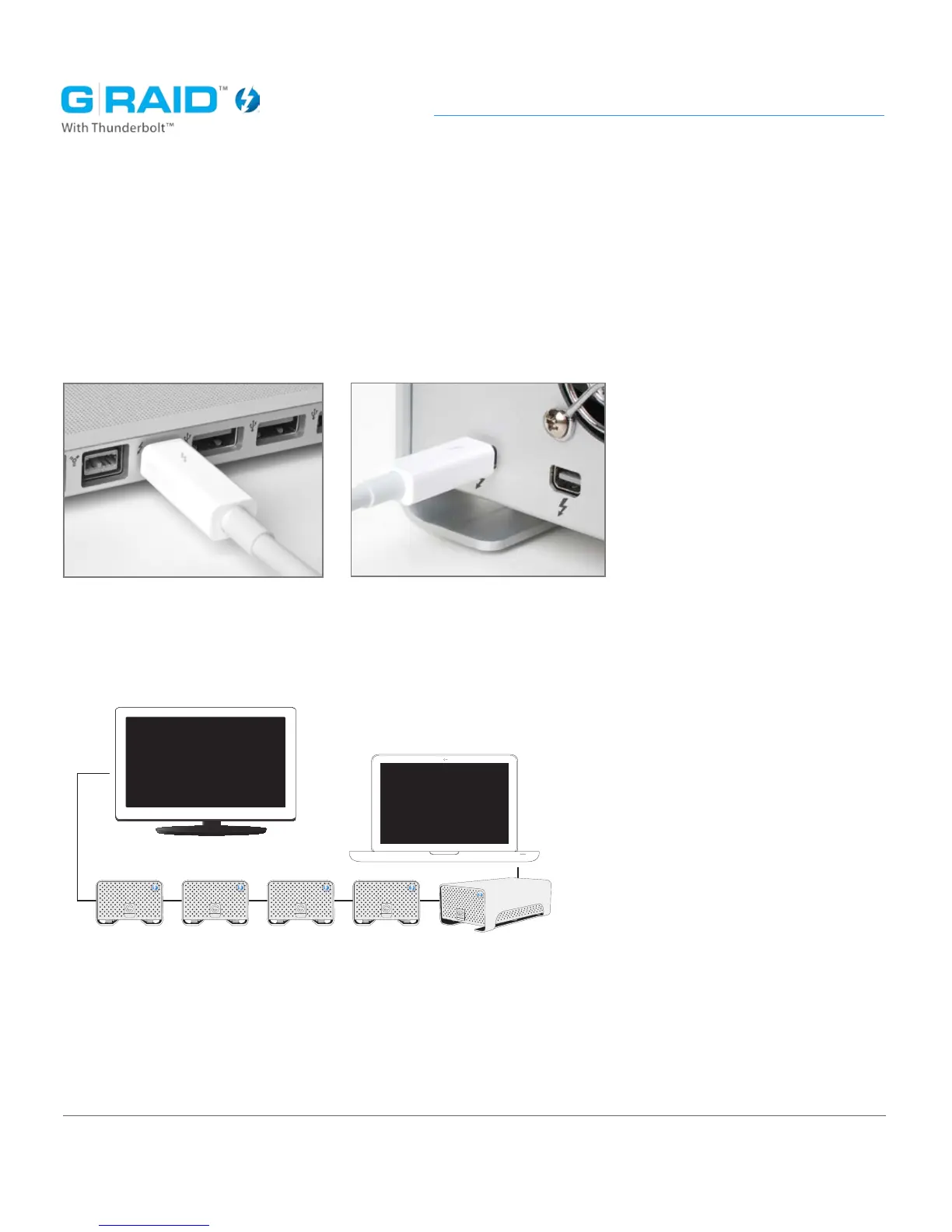
G-RAID TB attaches to your Mac with a Thunderbolt cable*. Simply plug one end
into the Thunderbolt connector on your Mac, and the other end into either port on
the rear of G-RAID TB.
*Thunderbolt cable sold separately
install
One of the great features of Thunderbolt technology is the ability to daisy-chain
up to six high-performance devices.
Connect the power cord to the unit and plug the other end into a surge protector
or wall outlet. Press and hold the power button until the unit turns on. The drive
will automatically mount on the desktop.














 To Next Page