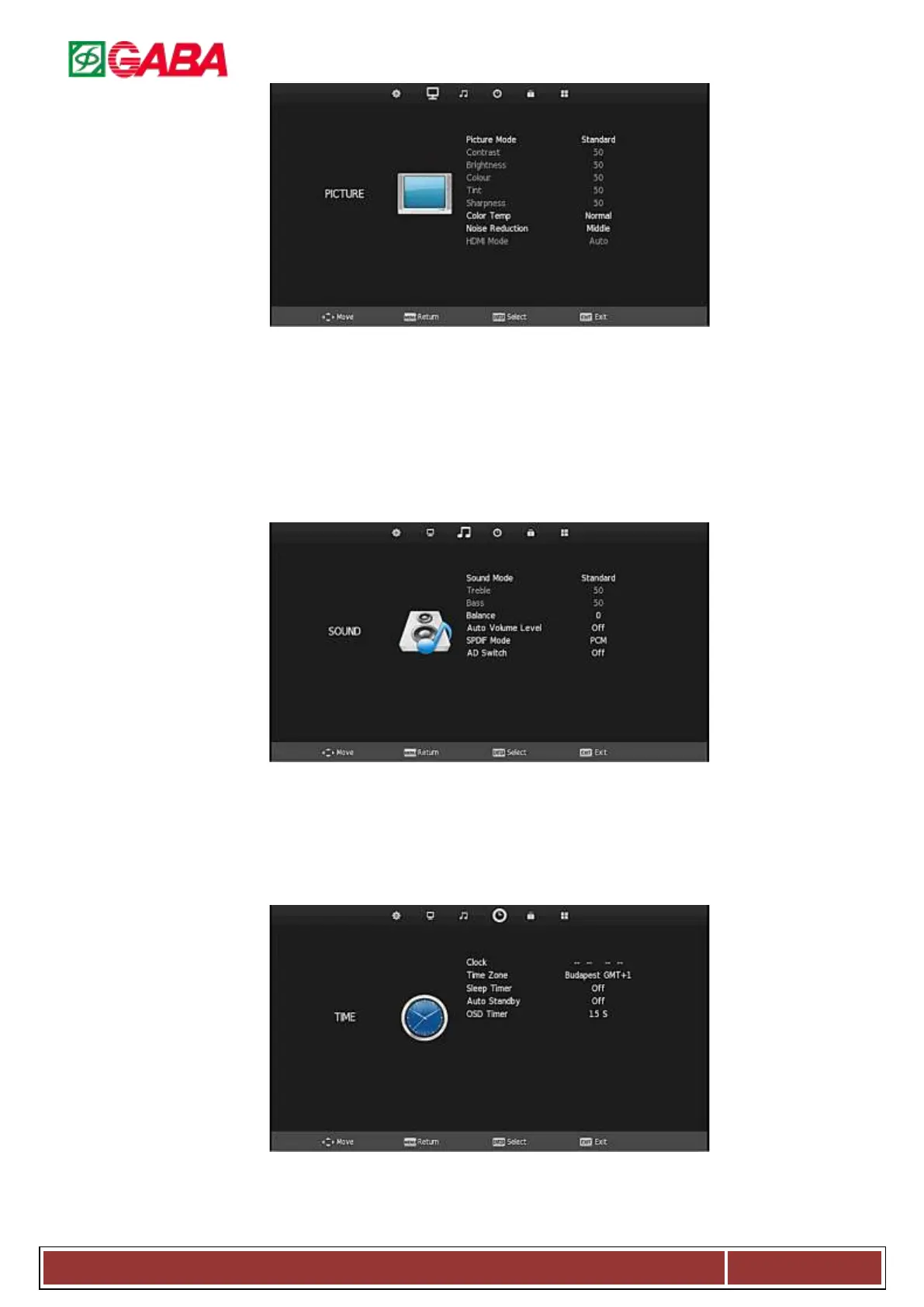
3.2.1. Picture Mode: Dynamic/Standard/Mild/Personal.
3.2.2. Contrast
3.2.3. Brightness
3.2.4. Color
3.2.5. Tint/Hue/
3.2.6. Sharpness
3.2.7. Color Temperature: Select the color temperature
that you feel comfortable.
3.2.8. Noise Reduction: You can reduce the noise of the
signal by setting the item. (opt.: Can’t use when
input source is PC).
3.2.9. HDMI Mode: Press to select Auto/Video/PC mode.
(Only used when input source is HDMI)
3.3. Sound Menu
Press MENU to display the main menu, and press ◄ / ► to select the Sound Menu.
3.3.1. Sound Mode: Standard/Movie/Music/Sports/
Personal.
3.3.2. Treble: Treble adjust.
3.3.3. Bass: Bass adjust.
3.3.4. Balance: Adjust the level of sound which is from
the left and right speakers.
3.3.5. Auto /Volume: When set on, quick volume change
will be smoothed.
3.3.6. SPDIF Mode: Press to select SPDIF mode,
off/pcm/auto. (COAX port)
3.3.7. AD Switch: Press to select audio.
3.4. Time Menu
Press MENU to display the main menu, and press◄/►to select the Time Menu.
3.4.1. Clock: Sets the system time.
3.4.2. Time Zone: Select time zone.
3.4.3. Sleep Time: Select the time in minutes (10min, 20min, 30min, 60min, and 90min) that you want the TV to



 To Next Page