U s e r M a n u a l f o r G L V - 2 2 0 1 L E D T V
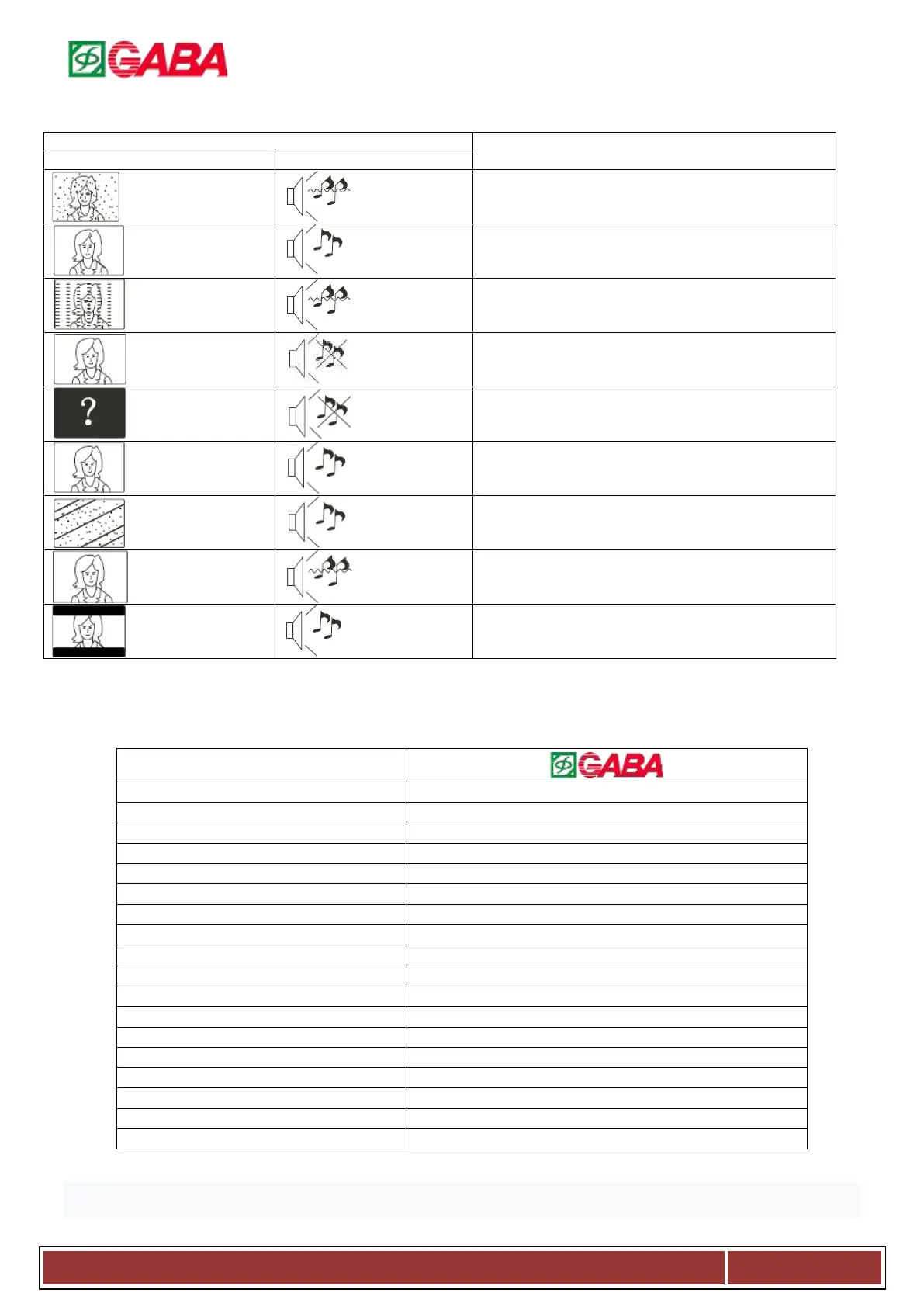
Trouble Phenomenon Symptom
Antenna position, direction or connection
Antenna position, direction or connection
Electronic equipment, car/motorcycle, fluorescent light
Volume (check if mute is activated or if the audio
system connections are not correct)
Power Cord is not inserted; Power switch is not
opened; Contrast and brightness/ volume setup;
Press standby key on the remote control for inspecting
Black bar on the
top and bottom
For help contact our consultant. Details are on the warranty card. Enjoy!
Specifications and accessories
DVB-T2, DVB-C, PAL: BG DK I; SECAM: BG DK,
Antenna input independence
Power supply for remote controller
DC 3V (2xAAA battery) not included
Operation environment temperature
Size (LxWxH) without stand
NOTE: Due to TV may be used with different display screen, weight marked in this user’s manual or in packaging box are subject to change without
notice.
The information provided in this manual is for information only.
We also reserve the right to make changes in the technical and menu system.



 To Next Page