Press ENTER to display the menu.
4.3.1. Play /Pause: Press to play or stop.
4.3.2. FB:Press to play slower.
4.3.3. FF:Press to play faster.
4.3.4. Prev.:Press to play previous movie.
4.3.5. Next:Press to play next movie.
4.3.6. Stop:Press to stop and back to folder interface.
4.3.7. CharSet:Press to select charset.
4.3.8. Repeat ALL:Press to select the repeat mode:
Repeat 1/ALL/None.
4.3.9. Set AB:Set AB mode.
4.3.10. Playlist:Press to view the list of pictures.
4.3.11. Info:Press to display the information of the
current movie.
4.3.12. Slow: Slow foreword.
4.3.13. Step:Step forward.
4.3.14. Goto Time:Select “goto time” to setup play
time.
4.3.15. Zoom In:Zoom the movie in.
4.3.16. Zoom Out:Zoom the movie out.
4.3.17. Aspect Ratio:Set the aspect ratio, Auto
/4:3/16:9/Zoom1/Zoom2.
4.3.18. Move View:Zoom in the picture first.
Highlight the icon and press ENTER, then press
▼/▲ & ◄ / ► to move the movie.
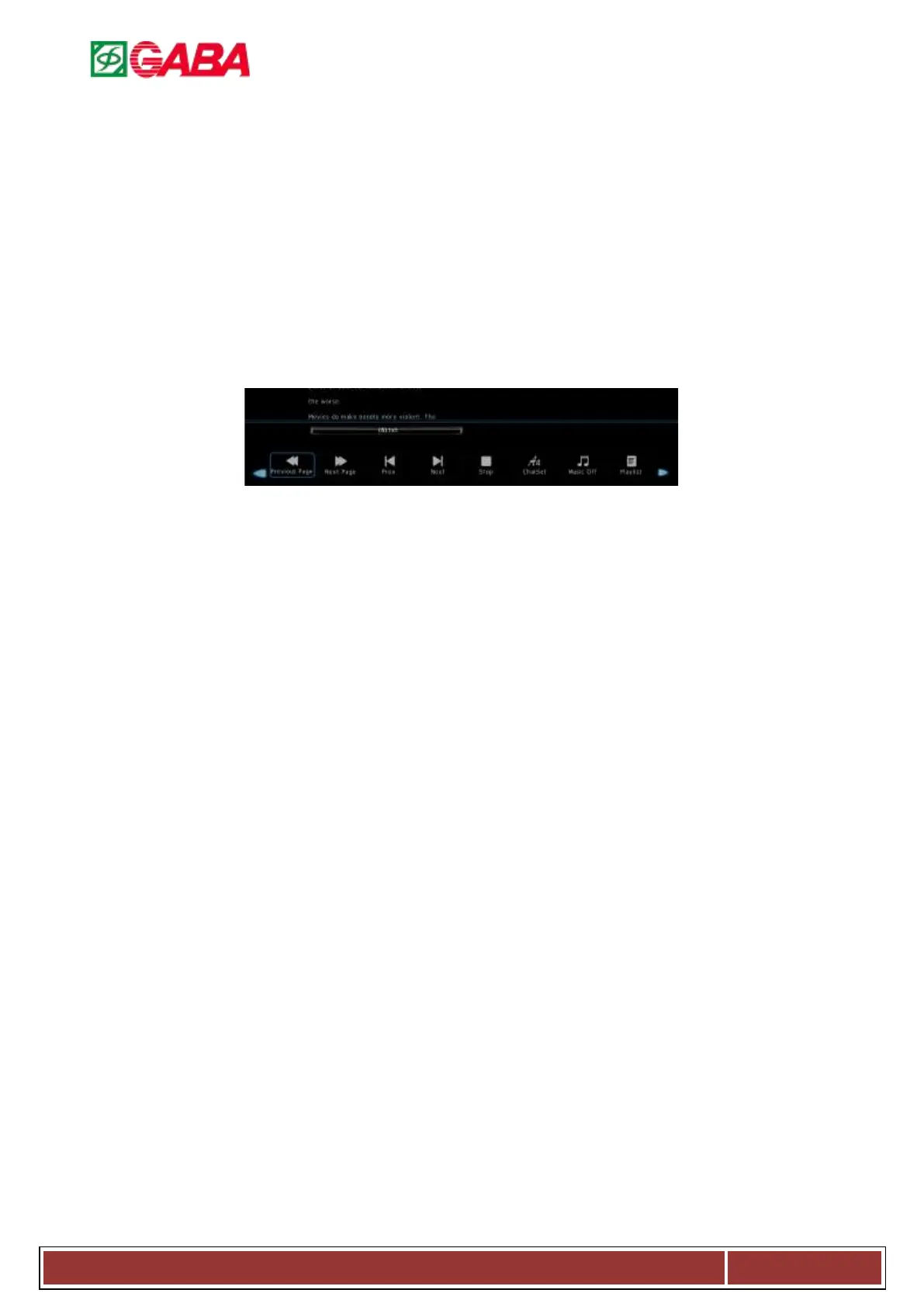
4.4. Text
4.4.1. Previous Page: Press to the previous page.
4.4.2. Next Page: Press to the next page.
4.4.3. Prev.: Press to play previous text.
4.4.4. Next: Press to play next text.
4.4.5. Stop: Press to stop and back to folder interface.
4.4.6. Char Set: Press to select char set.
4.4.7. Music On/Off: Press to play or stop the
background music.
4.4.8. Playlist: Press to view the list of texts.
4.4.9. Info: Press to display the information of the
current movie.
HOTLINE :
Information and contact can be found on the warranty card!



 To Next Page