shut off automatically after you set the time. Set off to cancel setting.
3.4.4. Auto standby: Select the time in hours (3H/4H/5H) that you want the TV to shut off automatically. Set off
to cancel setting.
3.4.5. OSD Timer: Set display time of OSD (5s, 15s, 30s).
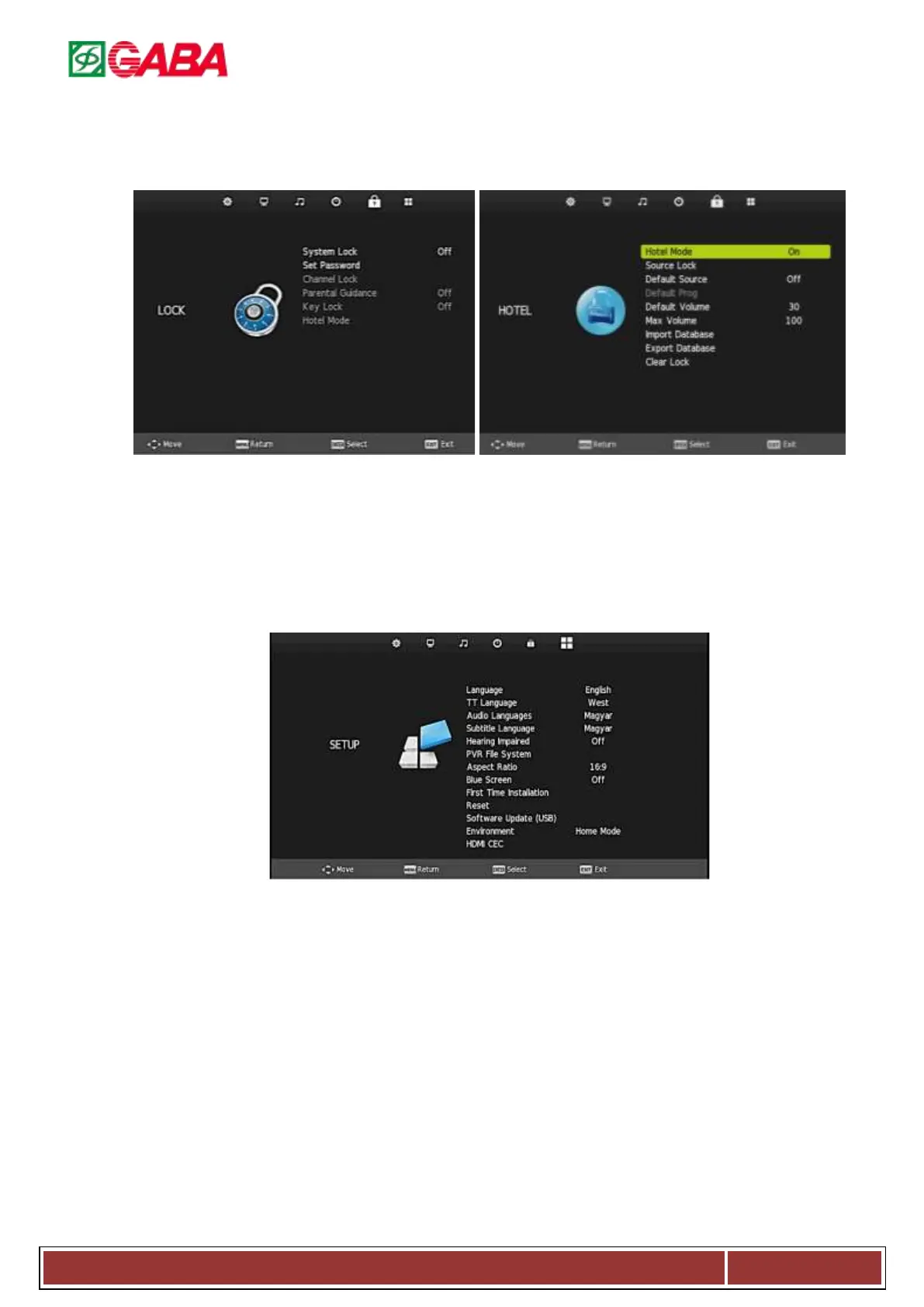
3.5. Lock Menu
Press MENU to display the main menu, and press ◄/►to select the Lock Menu.
3.5.1. System Lock: System lock switch.
Default lock : “0000”
3.5.2. Set Password: Set the system password
lock.
3.5.3. Chanel /Block Program: Lock the
channel.
3.5.4. Parental Guidance: Choose the Parental Guidance
level.
3.5.5. Key lock: Lock or unlock the key.
3.5.6. Hotel mode: Only available if the System lock is
on.
3.6. SETUP Menu
Press MENU to display the main menu, and press ◄ / ► to select the SETUP Menu.
3.6.1. Language: Set the OSD display language.
3.6.2. TT language: Set the image-text language.
3.6.3. Audio Languages: Set the Audio language.
3.6.4. Subtitle Language: Press to select the items.
3.6.5. Hearing Impaired: Press to set the Hearing Impaired to “on” or “off”.
3.6.6. PVR File System: Set the recording file system.
3.6.7. Aspect Ratio: Set the aspect ratio Auto/4:3/16:9/Zoom1/Zoom2.
3.6.8. Blue screen: Select blue screen or not.
3.6.9. First Time Installation: Press ► or ENTER to enter relevant options including OSD Language, Country
and Environment.
3.6.10. Reset: Recall the default setting.
3.6.11. Software Update (USB): Upgrade the software.
3.6.12. Environment: Press to select or ◄ / ► to choose home mode or shop mode.
3.6.13. HDMI CEC: Press to select HDMI CEC/HDMI ARC/Auto Standby/Auto TV on/ Device List/Device menu.



 To Next Page