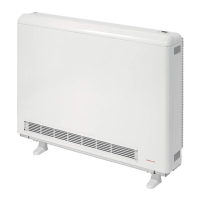
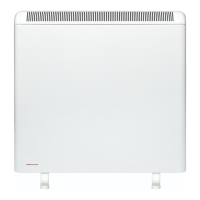
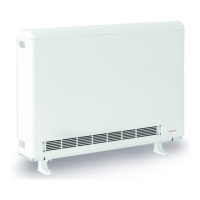
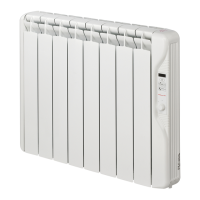
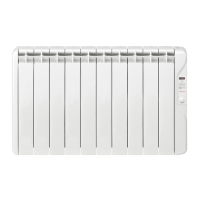
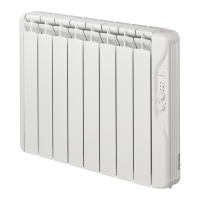
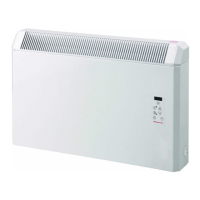
The ECOHHR storage heater has been preset with the Day
and Time however you will need to adjust this with summer
and winter times (when the clocks go forward and back).
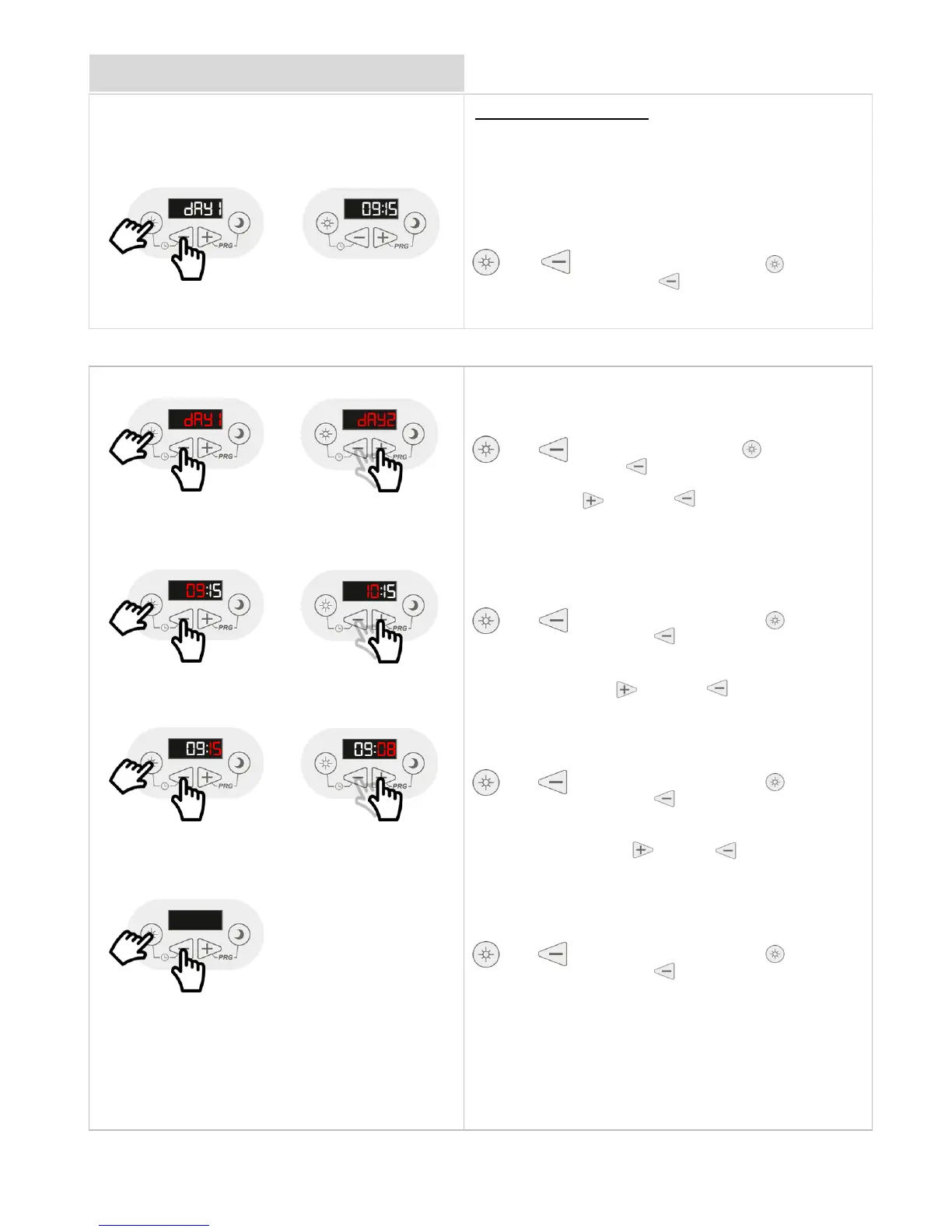
To check the Day and Time on your ECOHHR storage
heater follow these steps.
and Press and Release the sun button and
or minus buttons to adjust to the
current Day.
and Press and Release the sun button and
the minus button together to set the
Day and move onto the Time.
The Hour will now start to flash. Used the
plus or minus buttons to adjust to
the current hour time.
and Press and Release the sun button and
the minus button together to set the
Hour and move onto the Minute.
The Minutes will now start to flash. Used
the plus or minus button to adjust to
the current minutes time.
and Press and Release the sun button and
the minus button together to set the
Minutes and to finish.



 To Next Page