EasyManua.ls Logo

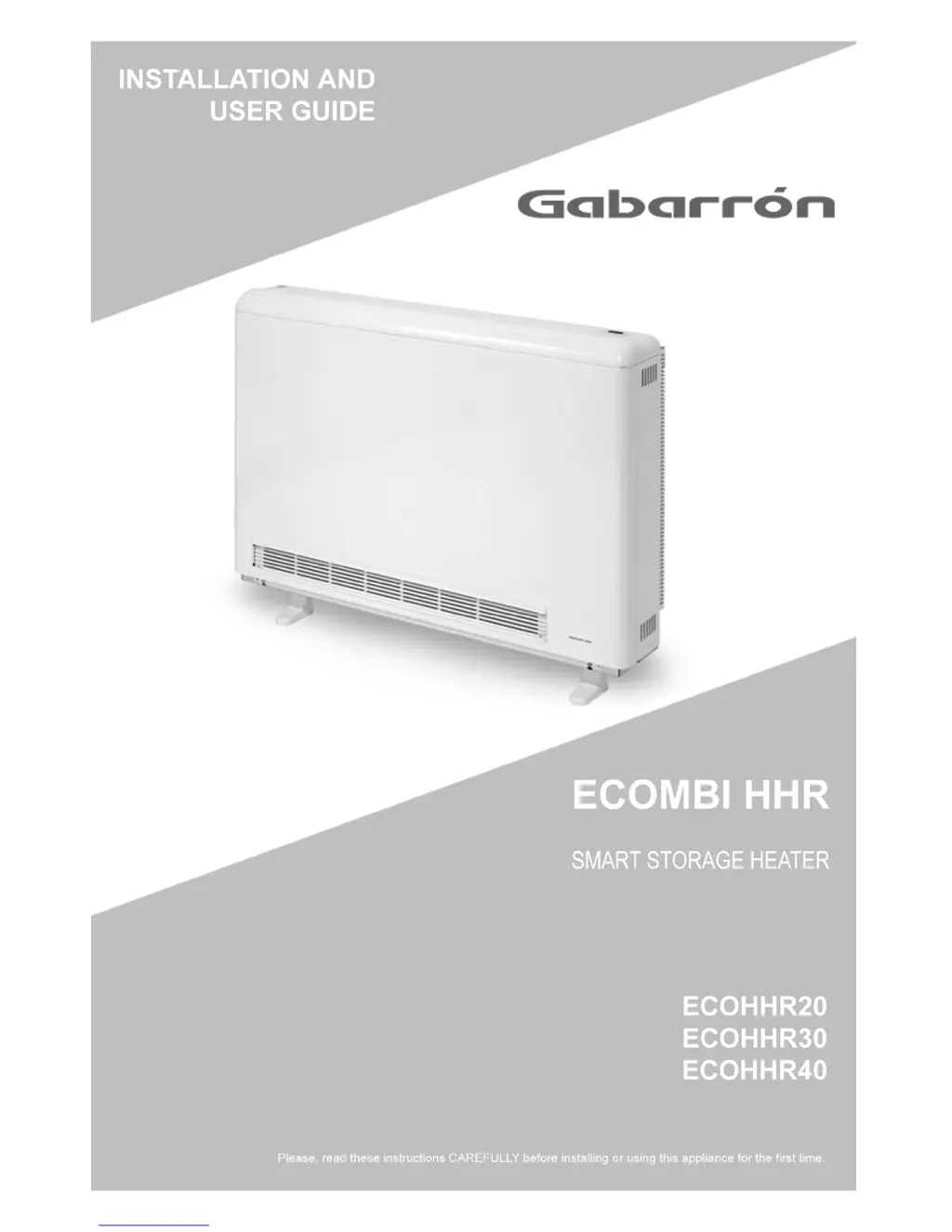
Gabarron ECOHHR30 - User Manual

Gabarron ECOHHR30
8 pages
Print Icon
To Next Page IconTo Next Page
Loading...

Other manuals for Gabarron ECOHHR30

Questions and Answers

Summary

User Operating Instructions

Connection and Disconnection

Explains the power switch and the need for two electrical supplies (economy and 24hr).

User Control Panel

Introduces the keypad with four buttons and explains their basic functions for setting temperature and time.

Setting the Day;Time

Provides step-by-step instructions for checking and adjusting the day and time settings on the heater.

Setting the Comfort Temperature Level

Details how to increase or decrease the preset comfort temperature using the control panel.

Setting the Economy Temperature Level

Details how to increase or decrease the preset economy temperature using the control panel.

Default Weekly Program

Explains the preset weekly program schedule and temperature settings for efficient heating.

Setting the Weekly Program

Guides users through changing the default weekly program by setting comfort and economy times.

Setting the Weekly Program - Continued

Continues the process of setting the weekly program, adjusting temperature levels for 30-minute segments.

Setting the Weekly Program - Copying Days

Explains how to copy the programmed settings from one day to another to simplify programming.

Economy Mode Override Function

Describes how to temporarily switch from Economy mode to Comfort mode until the next programmed change.

Control Panel Child Lock Function

Details how to lock and unlock the control panel to prevent unintended changes by children or others.

ECOHHR Current Status Function

Allows users to view current room temperature, core temperature, air temperature, and charge status.

Cleaning your ECOHHR

Provides safety precautions and methods for cleaning the heater using a soft cloth.

Gabarron ECOHHR30 Specifications

General IconGeneral
TypeElectric Heater
Power3000 W
Voltage230 V
Frequency50 Hz
Safety FeaturesOverheat protection
ColorWhite

Related product manuals