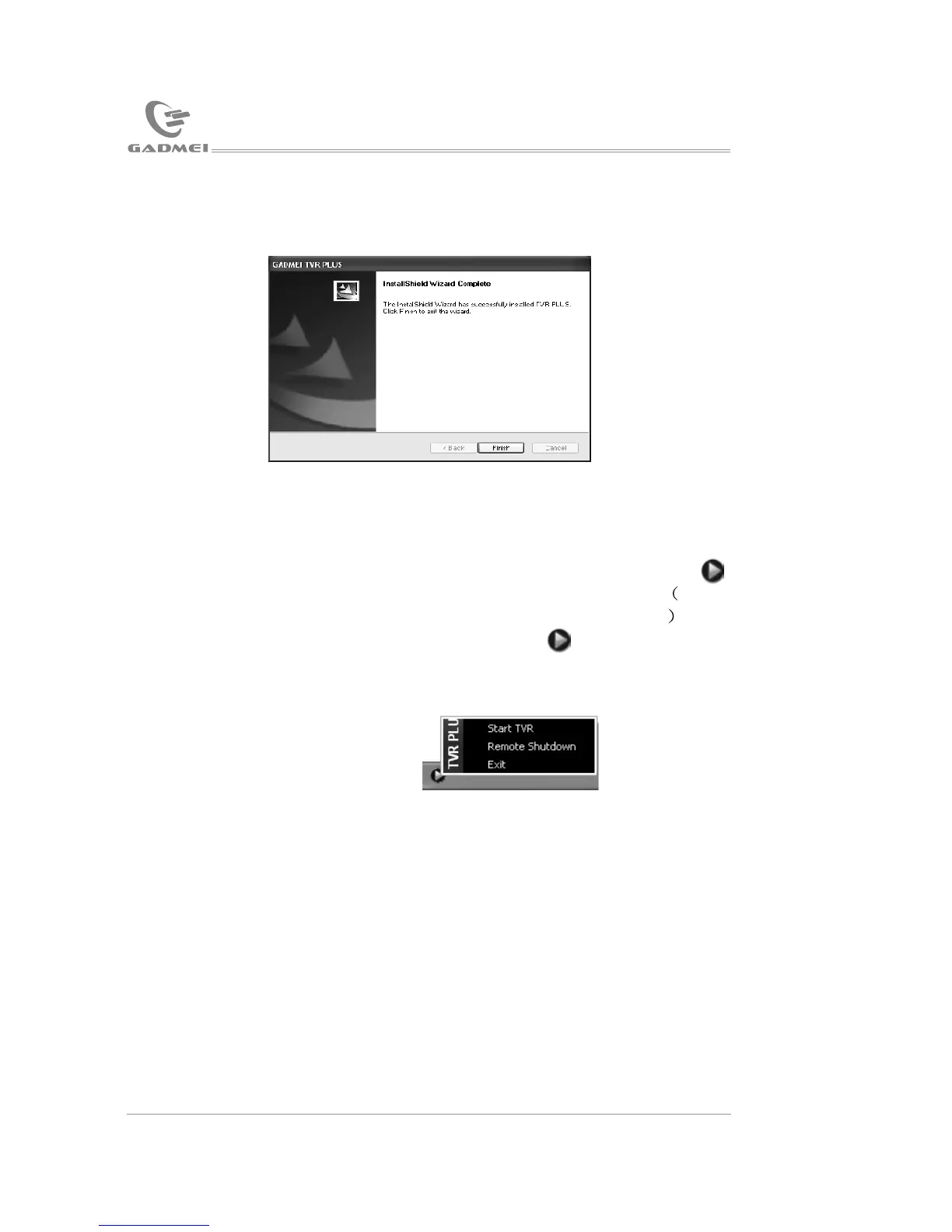
After finishing automatic installation, the following picture will appear:
Click “Finish” to complete software installation.
Note: After installing the software driver, a small icon (TTrayIcon)
will appear on the right down corner of your computer. Make
sure not to close the icon which is for remote control use If res
-tart TTrayIcon after exiting,please click Schedule TV in the
driver installation list.
The TTrayIcon includes (the following picture):
Click “Next”, as the following picture:
Click “Browse” to select the desired saving path and then click
“Next (N)”as the following picture:
Click “Next”, as below:
USB TV driver and software installation
USB TV driver and software installation
1413


 To Next Page