T
T
F
F
-
-
D
D
G
G
C
C
A
A
L
L
-
-
P
P
A
A
K
K
F
F
i
i
x
x
t
t
u
u
r
r
e
e
M
M
a
a
n
n
u
u
a
a
l
l
MIC TRAC MT-3000
16
2010 Gagemaker, LP
RCDMMT300010-10
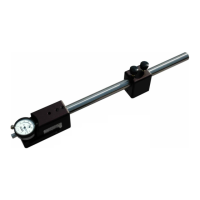
21. Adjust the height of the depth gage support to
hold the end of the depth rod, so it does not
bend during calibration. Tighten the thumb
screw.
22. Turn the Y axis adjust knob counterclockwise
until the depth micrometer rod touches the flat
face anvil.
23. Enter the gage measurement for the depth rod
in the Measured column as follows:
• Continue turning the Y axis adjust knob
until the X axis moves approximately ½
inch. Secure Locks 1 and 2.
• Click the Add Value button.
• Continue calibrating the remaining depth
rods as in the previous five steps.
.
25. Change the Next Calibration Date, if
necessary, by typing over the displayed date.


 To Next Page
 Loading...