T
T
F
F
-
-
D
D
G
G
C
C
A
A
L
L
-
-
P
P
A
A
K
K
F
F
i
i
x
x
t
t
u
u
r
r
e
e
M
M
a
a
n
n
u
u
a
a
l
l
MIC TRAC MT-3000
7
2010 Gagemaker, LP
RCDMMT300010-10
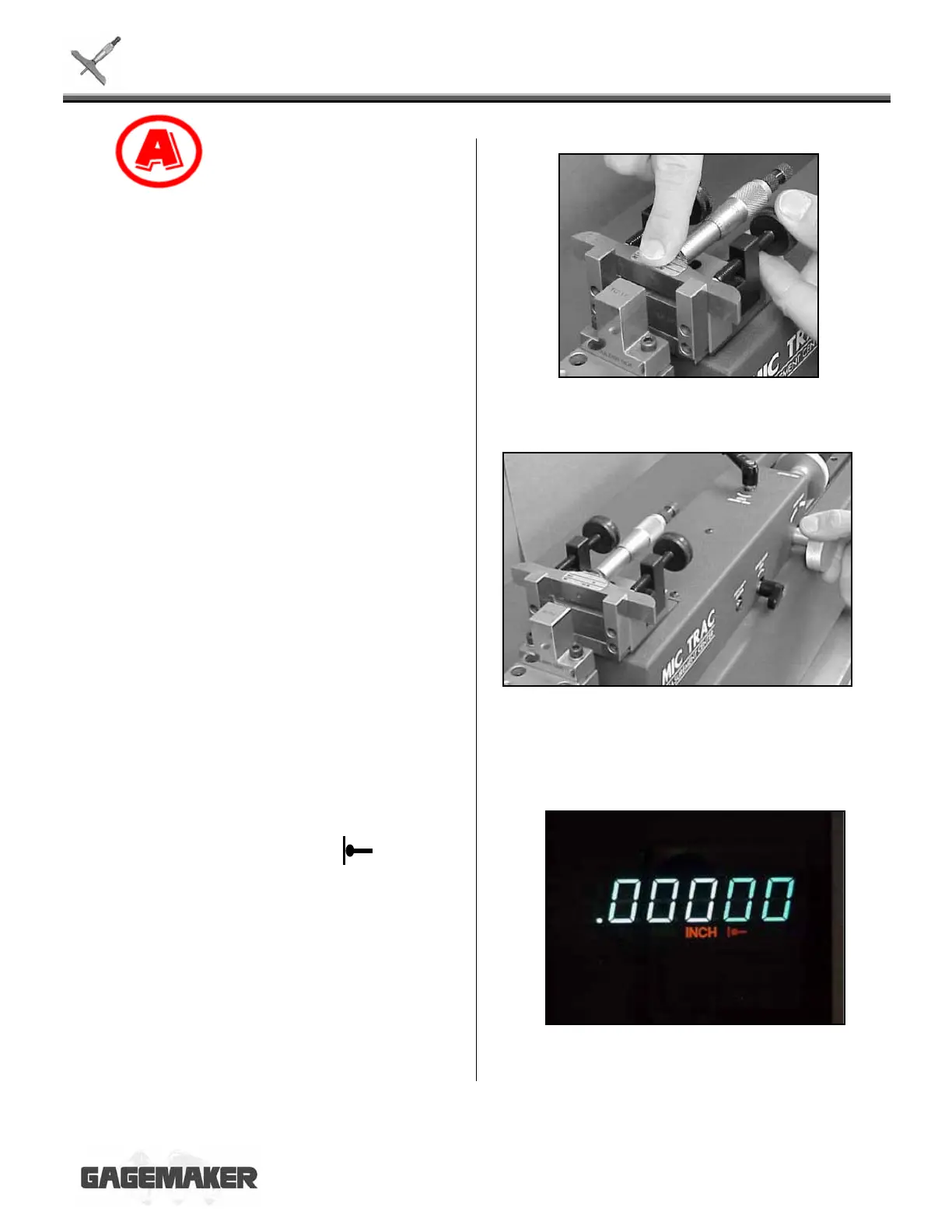
15. Secure the depth micrometer by holding down
on the base and tightening the thumb knob on
each side of the depth gage fixture.
16. Turn the coarse adjust knob counterclockwise
until the depth micrometer barely touches the
flat face anvil.
17. Apply slight pressure until the in the
axis display lights up. The display will read
0.00000 and the gaging force will be preset to
2.0 lbs of force.


 To Next Page
 Loading...