14
With the timer you can program an automatic
switch-off time between 1 and 90 minutes in
1- minute-steps for a cooking zone (automatic
switch-off). You can set a time value for every
cooking zone.
Setting an automatic switch-off time
The cooktop must be switched on by the main
switch.
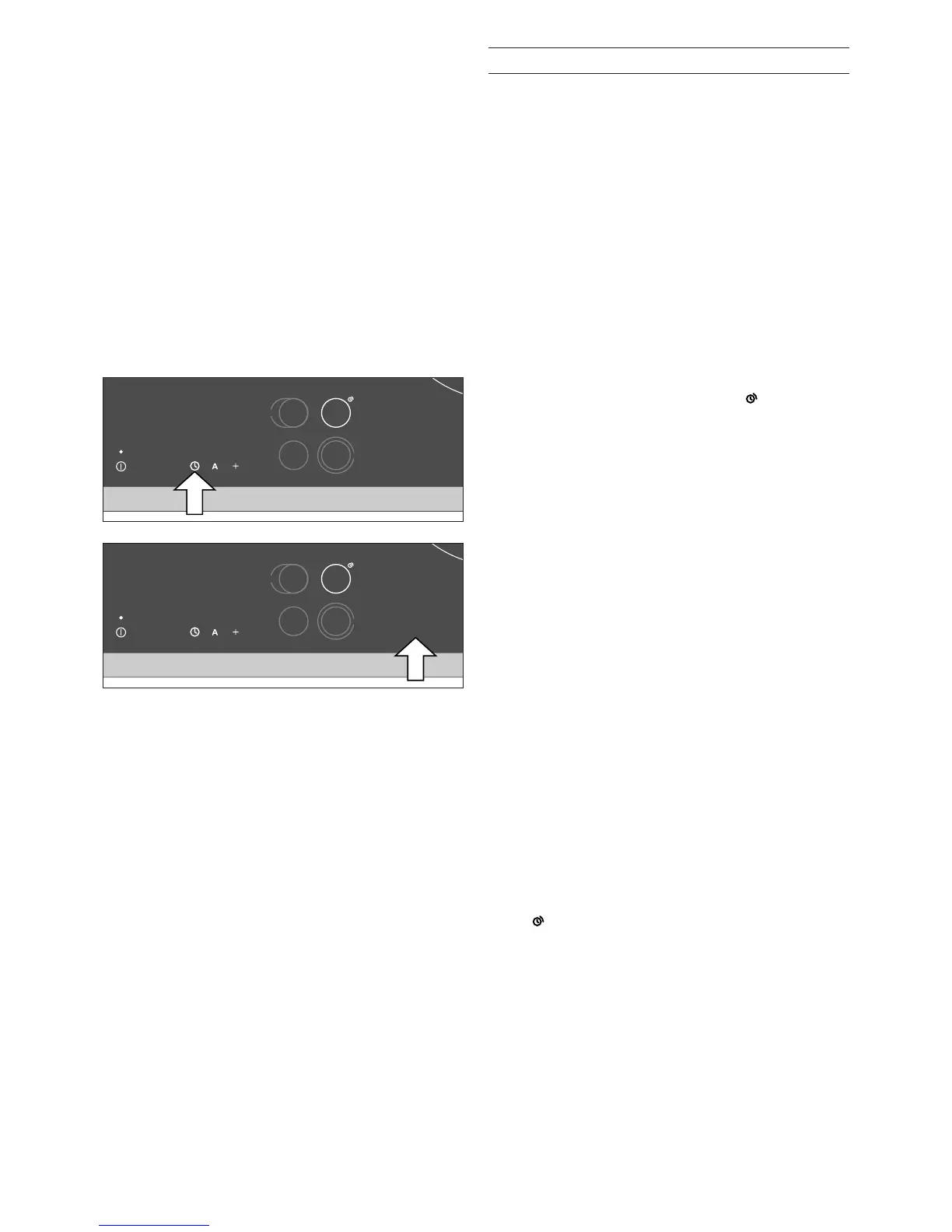
1 Select the cooking zone. Within 5 seconds, set
the desired cooking level.
2 Within the next 5 seconds, touch the symbol q.
00 appears on the timer display. appears on
the cooking zone display.
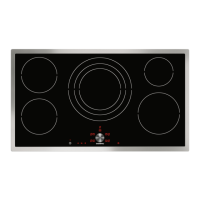
3 Use the number keys to set the required
duration between 1 and 90 minutes.
When the duration has elapsed, the cooking zone
switches off. 0 flashes on the cooking zone display.
A signal sounds for three minutes. 00 flashes on
the timer display. Touch any key. The displays will
go out and the audible signal will stop.
If you would like to call up the remaining duration
for a cooking zone: select the cooking zone. The
duration is displayed for 5 seconds.
If you have set an automatic switch-off time for
several cooking zones, the shortest time value will
be shown on the timer display. A segment of a
circle appears on the timer symbol of the relevant
cooking zone.
Note
If you have set
c5 t. in the options menu (unlimited
selection time for cooking zones), touching the
symbol q once will call up the timer. Touch the
symbol q again to call up the automatic switch-off
time function for the selected cooking zone.
Timer


 To Next Page