18
Using the options menu, you can customize the
following functions of your cooktop:
•
cooking zone combination
•
key tones
•
child lock
•
reset all parameters
•
selection time for cooking zones
Accessing the options menu
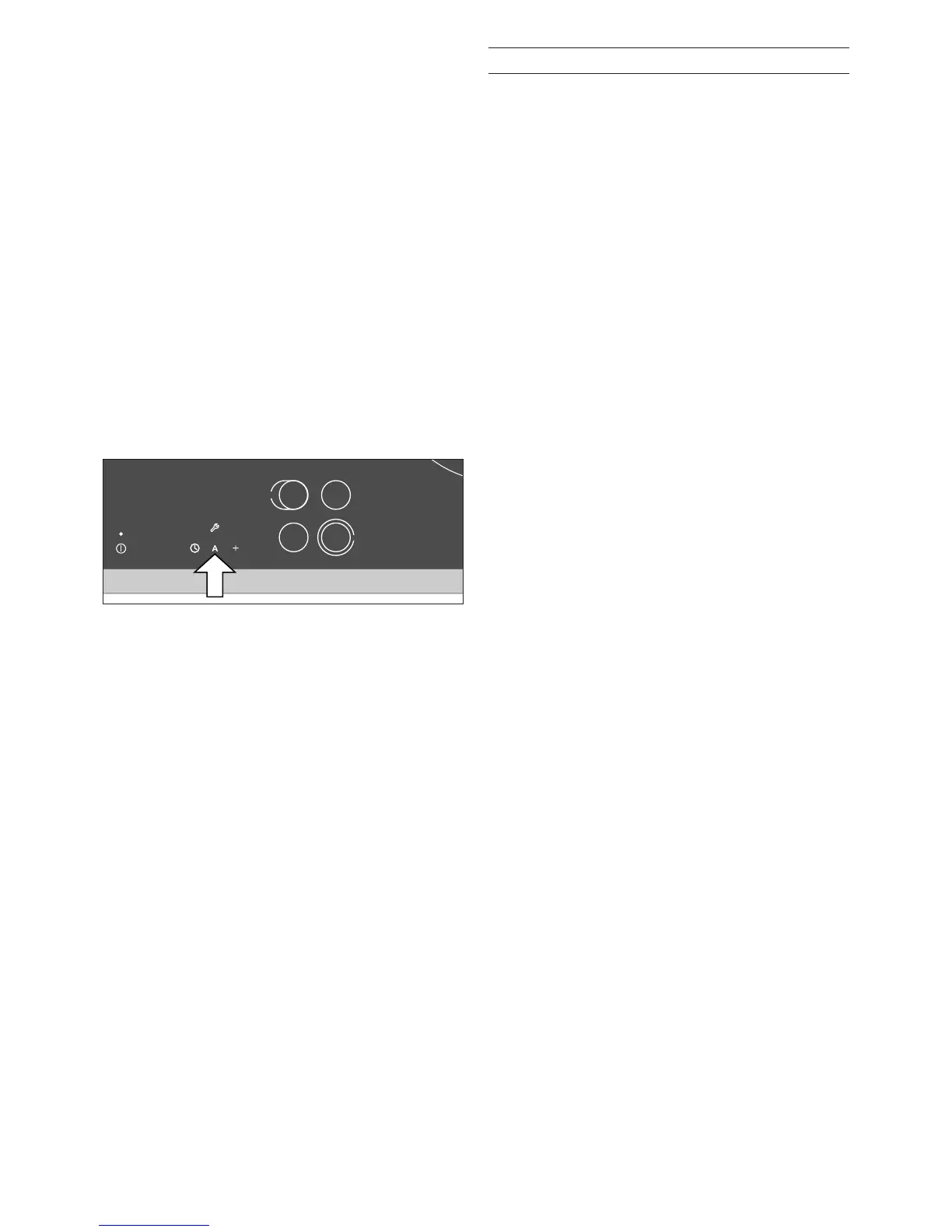
1 Switch on the cooktop using the main switch.
Do not select a cooking zone. The timer must
be off. After approximately 10 seconds the
symbol c appears above the symbol A.
2 Touch the A symbol and keep it pressed. A
signal is sounded. Keep A pressed until a
second signal is sounded.
3 Now you can customize the settings:
– To move up or down the options menu: touch
the A symbol until a signal is sounded.
– To select a setting: touch the d symbol or
select a setting using the number keys.
– To exit the options menu and store the
settings: touch the A symbol and keep it
pressed. A signal is sounded. Keep A
pressed until a second signal is sounded.
(Note: no signal is sounded if
c2-0. key
tones off has been selected.)
– To exit the options menu without storing the
settings: touch the l main switch.
Options menu


 To Next Page