11
Getting to know your appliance
en
*
Getting to know your appliance
Getting to know your appliance
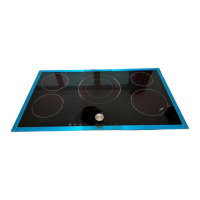
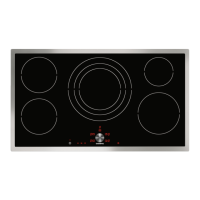
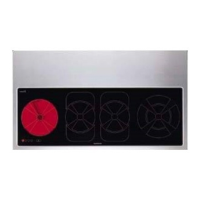
You can find information on the dimensions and power
of the hotplates in~ Page 2
Note: : Depending on the appliance model, individual
details and colours may differ.
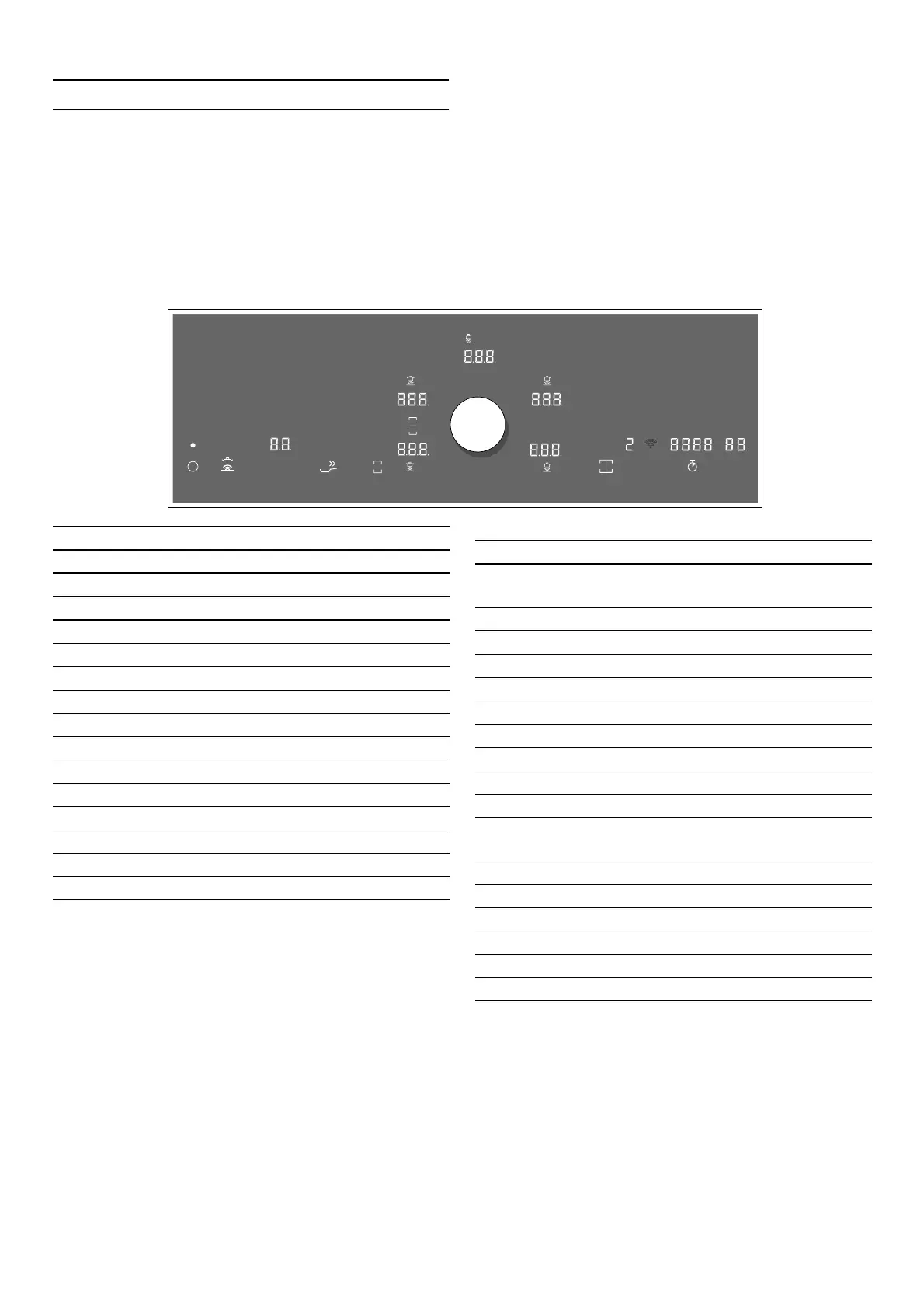
The control panel
X|
Ü
Ê+
É
Â
Â
Â
Â
Â
Y| [|
\|
W
Å
Z|
Â
<
'
²
Ý
Selection sensors
ÿ
Main switch
¨
Cooking sensor
Ú
Frying sensor technology for pans
6
Timer function
Ž
Booster function for pots
©
Booster function for pans
£
Keep-warm function
ª
Flex function
t
Basic settings
¬
Professional cooking mode
Y
Ventilation control
·
Home Connect – confirm setting
ž
Extractor hood lighting
®
Stopwatch
Š
Timer
Indicators/symbols
‹
Operating status
vwx
u y
Cooking zones
‚-Š
Power levels
¨
Cooking sensor
Ú
Frying sensor technology for pans
6
Cooking timer
˜
Booster function for pots
›
Booster function for pans
–
Keep-warm function
•/œ
Residual heat
D
Home network
‹, ‘,‚, ƒ,
„, ˜, §, »
Fan settings
‹‹
Timer
‹‹.‹‹
Stopwatch
š
Display cleaning protection
H
Childproof lock
ª
Flex function activated
«
Flex function deactivated
ˆ
Transfer function



 To Next Page