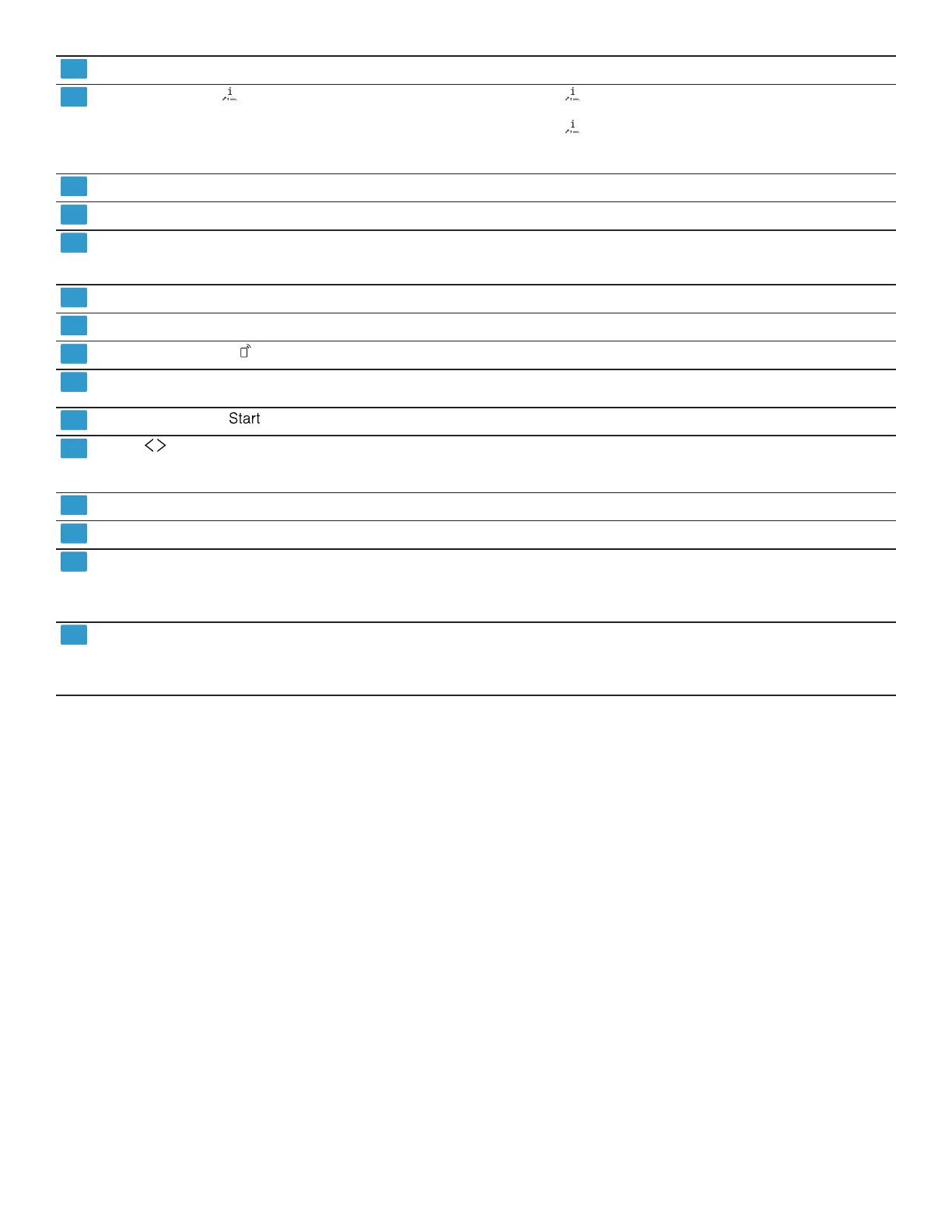
en-us Familiarizing yourself with your appliance
8
Cycle buttons Cycles
Info button If you press , the display shows information about se-
lected cycles, basic settings and additional options.
If you press for approx. 3 seconds, you can open the
menu.
→
"Changing the basic settings", Page23
Rinse aid refill indicator
Rinse aid system →
Page15
Special salt refill indicator
Water softening system →
Page14
Display Remote Start
1
If you have activated the function and are controlling the
appliance via the HomeConnect™ app, the display lights
up on the appliance.
WLAN display
Home Connect →
Page23
Electronic delay time
Setting the electronic delay time →
Page20
Remote Start
Cycle buttons and options Cycles
Options
Start button
Starting the wash cycle →
Page20
buttons You can use these buttons to scroll between the basic set-
tings.
→
"Changing the basic settings", Page23
Setting buttons
Changing the basic settings →
Page23
Door opener
1
Open the appliance door. →
Page20
Display
1
The display shows information about cycles, basic settings
or additional options. You can change the basic settings via
the display and the setting buttons.
→
"Changing the basic settings", Page23
Display The display shows information about cycles, basic settings
or additional options. You can change the basic settings via
the display and the setting buttons.
→
"Changing the basic settings", Page23
1
Depending on the appliance specifications




 To Next Page