Page 9
3E4288 Gallagher T10 Reader | Edion 11 | March 2023
Copyright © Gallagher Group Limited
8. Congure the reader in Command Centre. If the reader is connected as an HBUS Reader, refer to
the topic "Conguring HBUS Devices" in the Command Centre Conguraon Client Online Help.
If the reader is connected as a Cardax IV Reader, refer to the topic "Creang Readers" in the
Command Centre Conguraon Client Online Help.
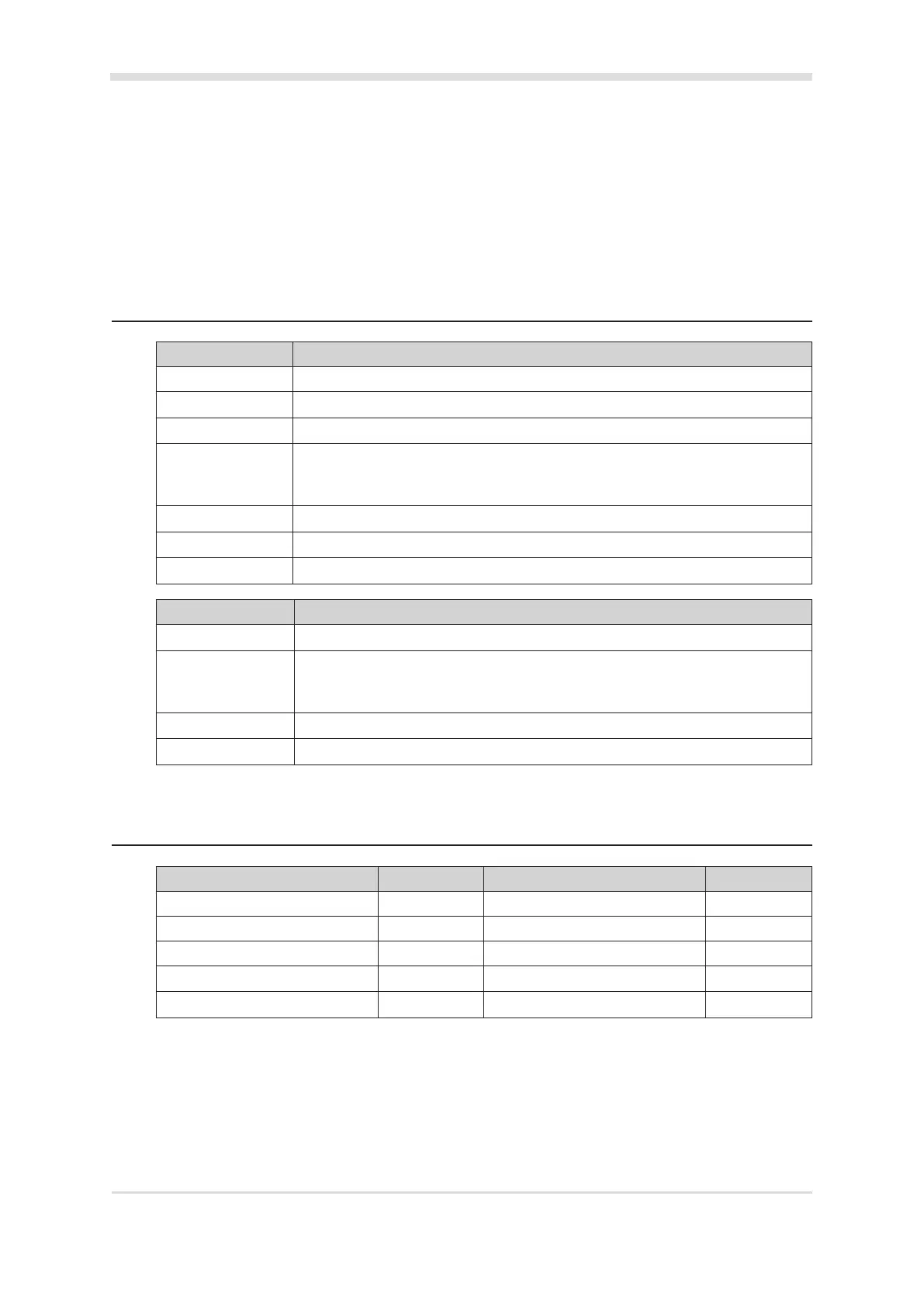
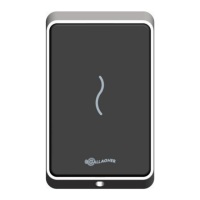
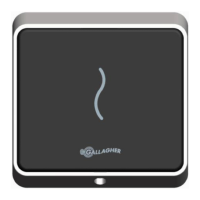
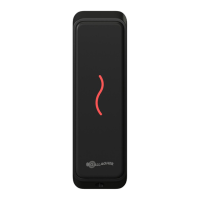
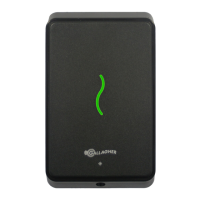
5 LEDindicaons
LED (squiggle) HBUSindicaon
3 Flash (Amber) No communicaons with the Controller.
2 Flash (Amber) Communicaons with the Controller, but reader is not congured.
1 Flash (Amber) Congured to a Controller, but reader is not assigned to a door or elevator car.
On (Green or Red) Fully congured and funconing normally.
Green = Access mode is Free
Red = Access mode is Secure
Flashes Green Access has been granted.
Flashes Red Access has been denied.
Flashes (Blue) Reading and validang a PIV card. Reading a Gallagher mobile credenal.
LED (squiggle) CardaxIVindicaon
3 Flash (Amber) No communicaons with the Controller.
On (Green or Red) Fully congured and funconing normally.
Green = Access mode is Free
Red = Access mode is Secure
Flashes Green Access has been granted.
Flashes Red Access has been denied.
6 Accessories
Accessory Product Code Accessory Product Code
T10 Dress Plate, Black, Pk 10 C300320 T10 Spacer, Black, Pk 10 C300300
T10 Bezel, Black, Pk 10 C300280 T10 Spacer, White, Pk 10 C300301
T10 Bezel, White, Pk 10 C300281 T10 Protecve Cover Spacer C300310
T10 Bezel, Silver, Pk 10 C300282 T10 Protecve Cover C300270
T10 Bezel, Gold, Pk 10 C300283 T10 Dress Plate Black - Pack 10 C300320



 To Next Page