3Ennnn Gallagher T30 Reader Installation Note| DRAFT2 | July 2020
Copyright © Gallagher Group Limited Page 10
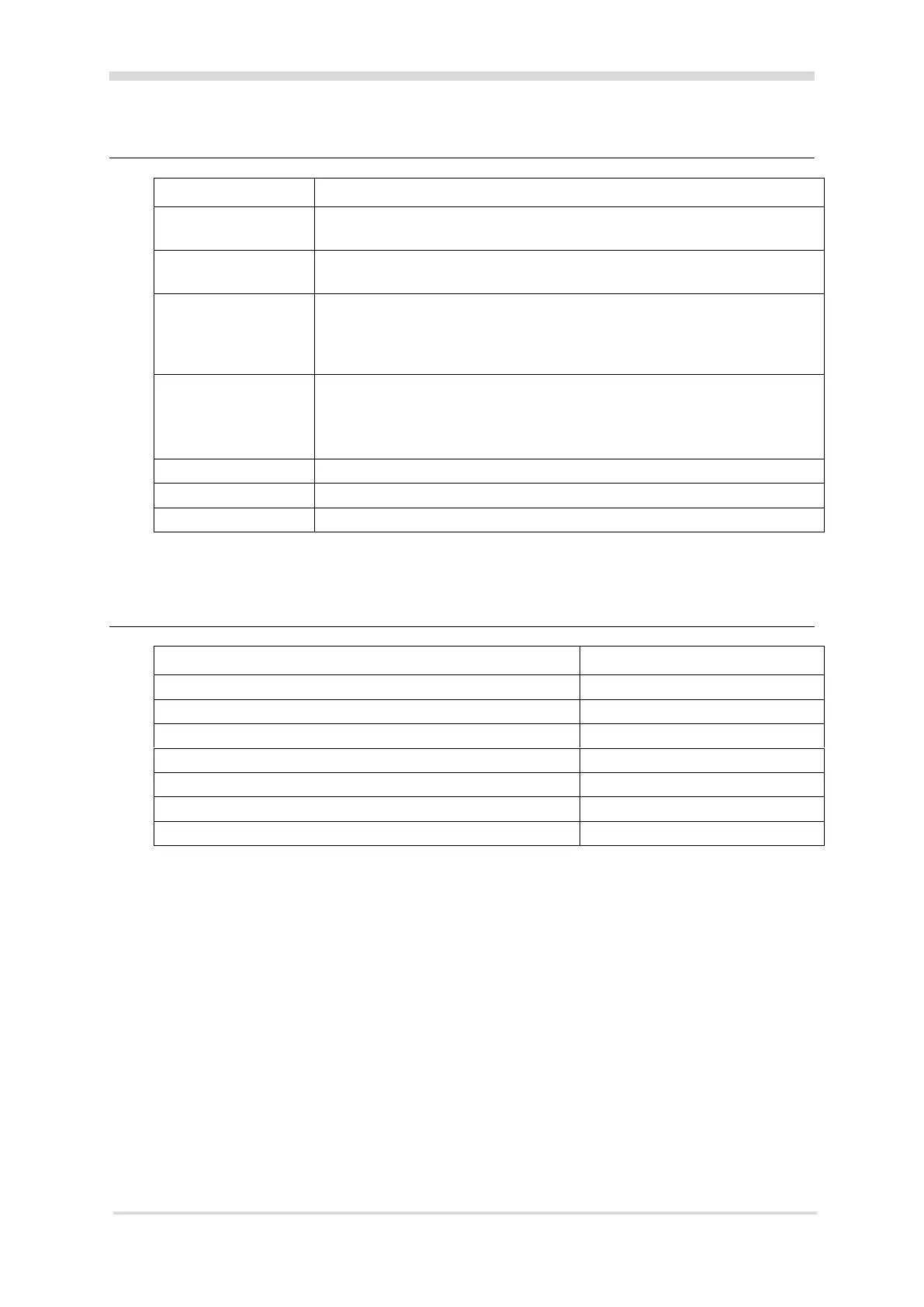
5 LED indications
No communications with the Controller.
The terminal screen displays the text 'Connecting...'.
Communications with the Controller, but terminal is not configured. The
terminal screen displays the text 'Not configured'.
Configured to a Controller, but terminal is not assigned to a door or elevator
car. Configured to a Controller but the terminal has no Alarm Zone(s) assigned
to the Alarms Zones property page.
The terminal screen displays the text 'Not configured'.
Fully configured and functioning normally.
If assigned to a door or elevator car:
Green = Access mode is Free
Red = Access mode is Secure
Reading and validating a PIV card. Reading a Gallagher mobile credential.
T30 Dress Plate, Black, Pk 5


 To Next Page