Step 9
Shake ink bottles.
Pour ink into ink tanks (right side of printer).
Press/hold auto-ink-priming button to feed ink
through lines.
Setting Up Your Gallery 1390R DTF Printer Continued:
Step 8
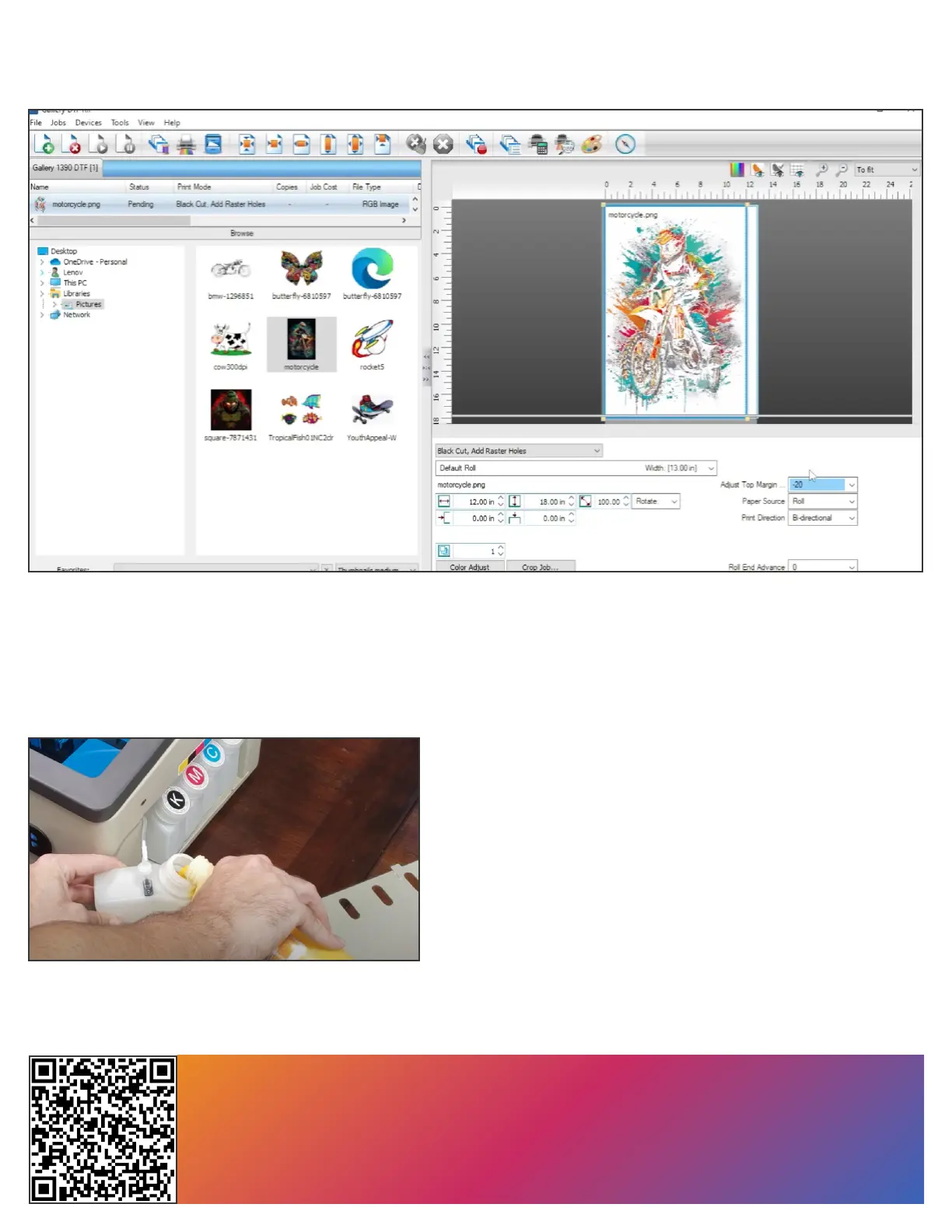
Once software is installed, load a test le and try to print it. Observe that the printhead moves back and forth
many times, the lm advances and the front control panel blinks green while printing and goes solid green
shortly after printing ends.
You Are Now Ready To Start Printing With Your Gallery 1390R DTF Printer.
Scan The QR Code To Join
The Gallery DTF Printer Users Group


 To Next Page