–
FAST RELOAD MOD – CHOOSING A MODE
The Fast Reload Mod has 5 Programmable Modes. Fast Reload cuts out the animation time and speeds up the
reloading process.
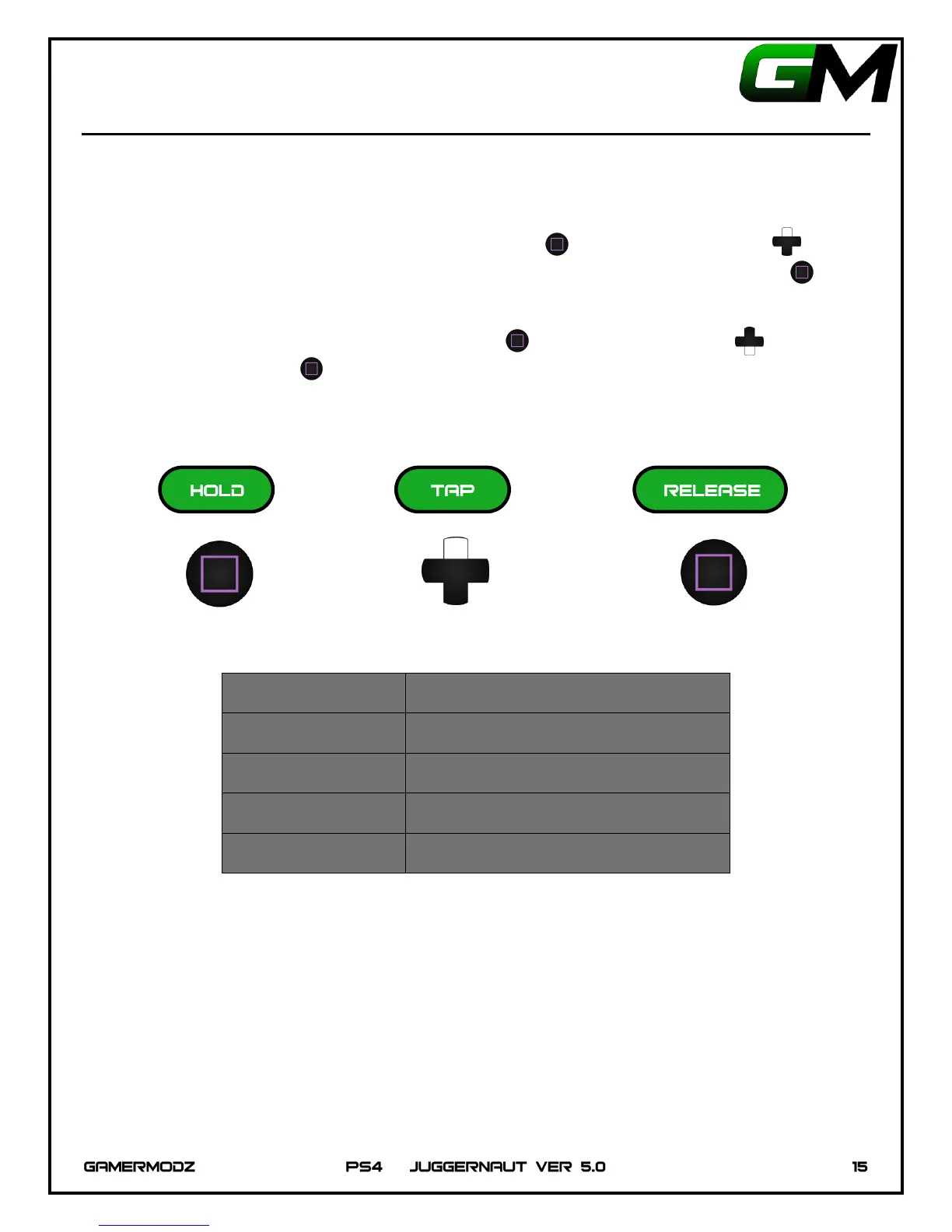
To enable a Fast Reload Mode, Hold Down on the Square Button , then Tap Up on the D-Pad the
number of times corresponding the Mode you would like to select. Then Release the Square Button . The
PS4 Controller LED will flash the number of times corresponding to the Mode you have enabled.
To disable Fast Reload, Hold Down the Square Button , Tap Down on the D-Pad , then
Release the Square Button . The PS4 Controller LED will flash one time to indicate that Fast
Reload has been disabled.


 To Next Page