–
SELECTING A RAPID FIRE MODES
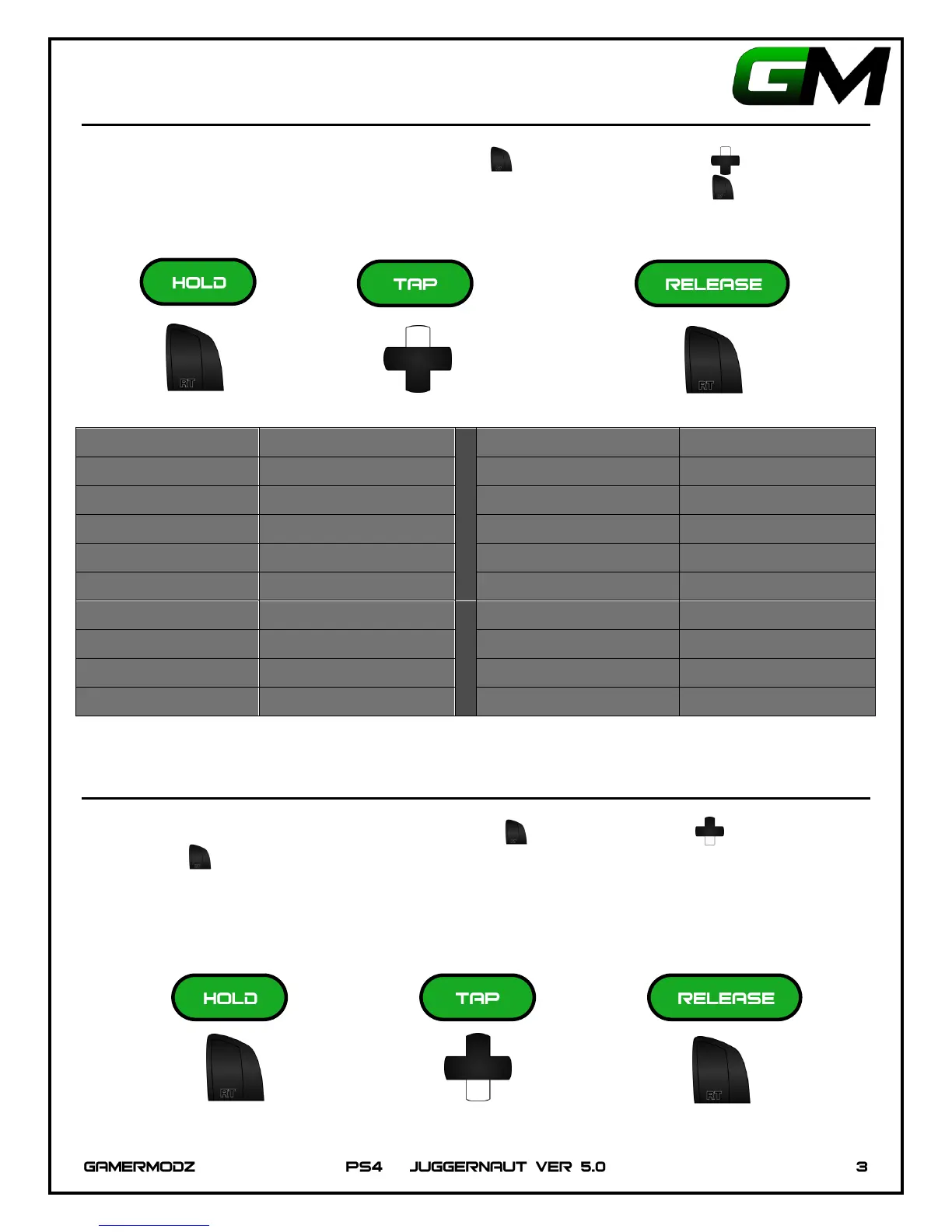
To enter a rapid fire mode, Hold Down the Right Trigger , and tap Up on the D-Pad the amount of
times corresponding to the mode you would like to enter, then Release the Right Trigger . The PS4
Controller LED will flash the number of times corresponding to the mode you selected.
MODE 1 ---------------- X 1
MODE 11 ----------------- X 11
MODE 2 ---------------- X 2
MODE 12 ----------------- X 12
MODE 3 ---------------- X 3
MODE 13 ----------------- X 13
MODE 4 ---------------- X 4
MODE 14 ----------------- X 14
MODE 5 ---------------- X 5
MODE 15 ----------------- X 15
MODE 6 ---------------- X 6
MODE 16 ----------------- X 16
MODE 7 ---------------- X 7
MODE 17 ----------------- X 17
MODE 8 ---------------- X 8
MODE 18 ----------------- X 18
MODE 9 ---------------- X 9
MODE 19 ----------------- X 19
MODE 10 ------------- X 10
MODE 20 ----------------- X 20
TURN ON/OFF RAPID FIRE QUICKLY
To enable/disable Rapid Fire, Hold Down the Right Trigger , Tap Down on D-Pad , then Release the
Right Trigger .
Note: If you turn Rapid Fire on this way, the Juggernaut Controller will default to the last Rapid Fire Mode
enabled.


 To Next Page