–
ZOMBIE MODE
The Juggernaut 5.0 comes with a new mode called Zombie Mode (Mode 2). Zombie Mode is beneficial on Single
Player Zombie where Auto Aim can be utilized.
Zombie Mode has the following Mods:
Auto Run (Ref. Page 9)
Rapid Fire with Auto Aim
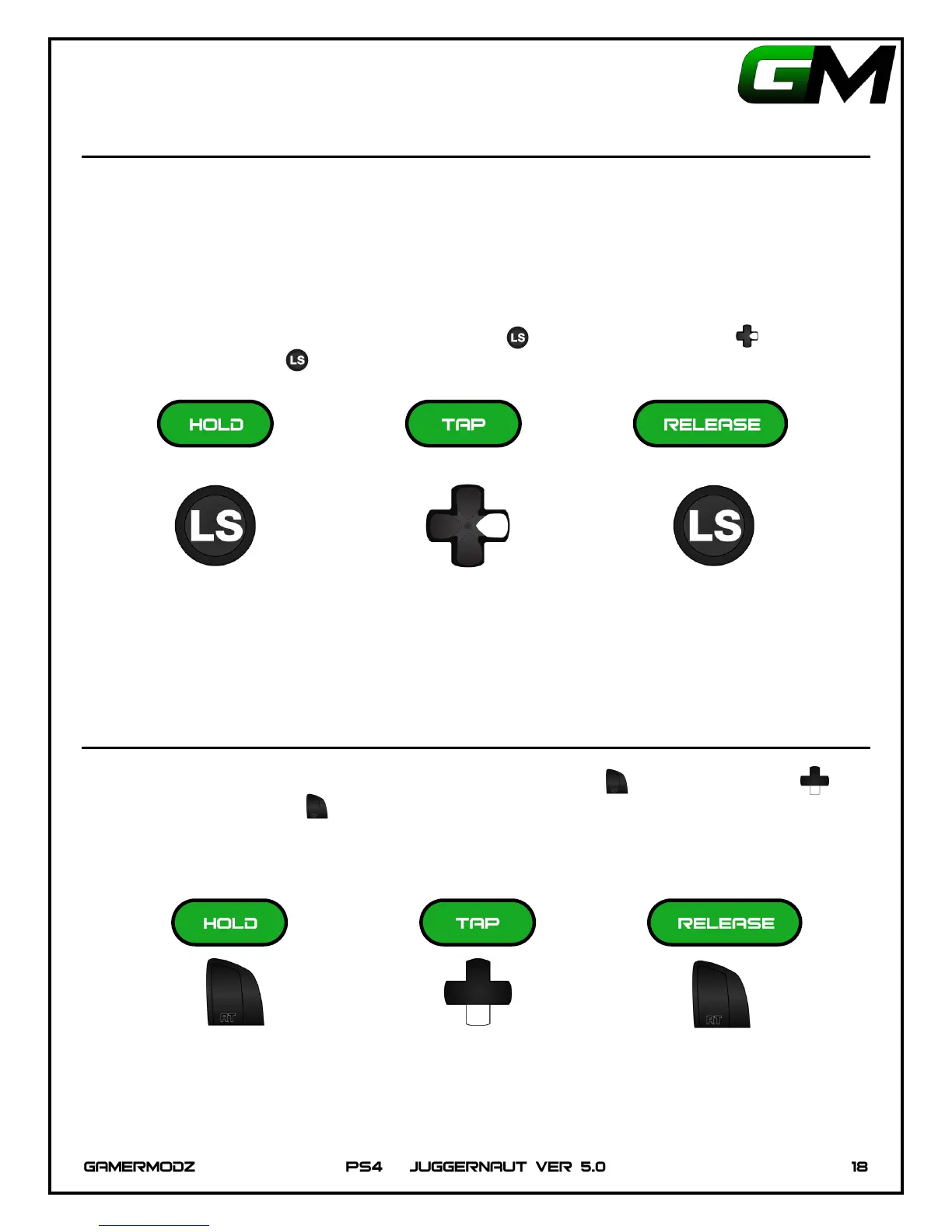
To change to Zombie mode, hold down the Left Thumbstick and tap Right on the D-Pad 2 times, then
release the Left Thumbstick . The LED will flash 2 times corresponding to the mode selected.
ENABLE/DISABLE RAPID FIRE WITH AUTO AIM
To enable/disable Rapid Fire with Auto Aim, Hold Down the Right Trigger , Tap Down on D-Pad ,
then Release the Right Trigger . The PS4 Controller LED will flash one time to indicate that the Rapid Fire
with Auto Aim has been toggled on/off.


 To Next Page