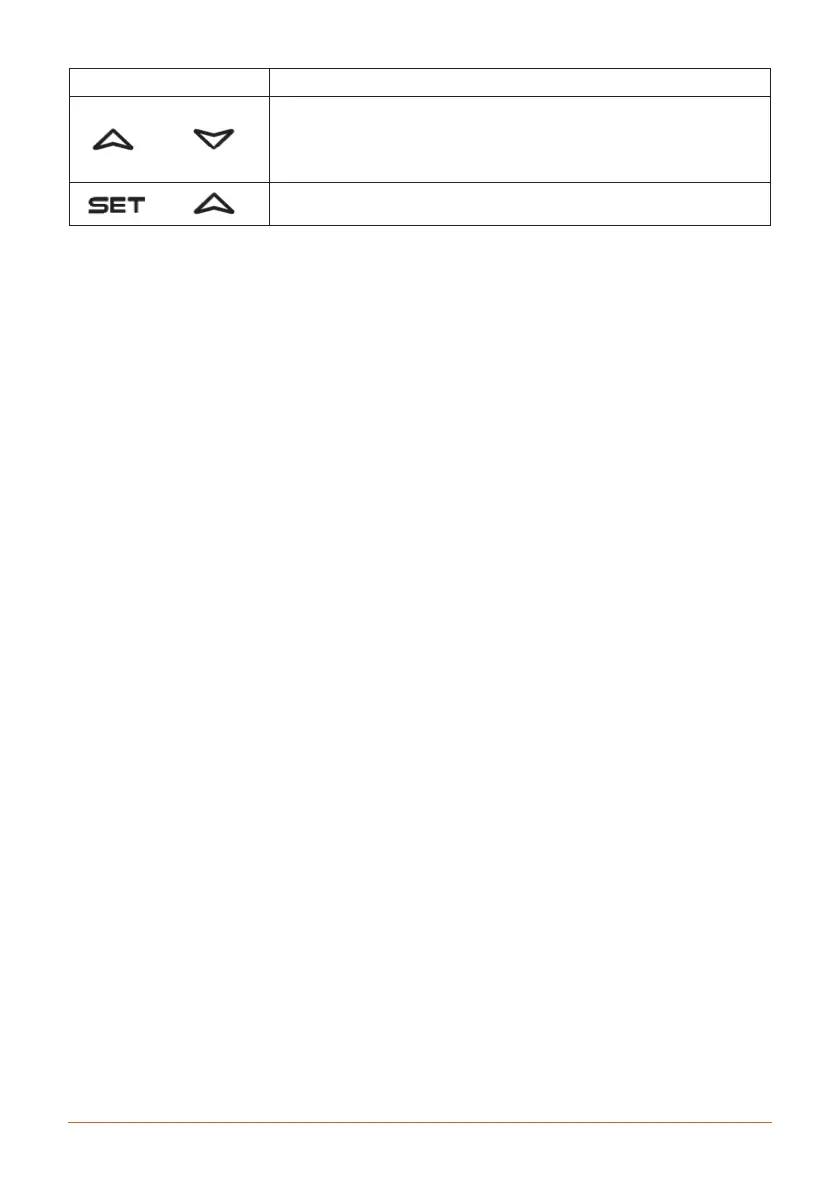
Icon Description
Hold for 3 seconds to release or lock the keypad.
•The“O”labelappearsonthedisplayandthekeyboardisunlocked.
•The“On”labelappearsandthekeypadislocked.
Return to ambient temperature display
+
+
Application with thermostat:
To see the set point;
The set key gives access to a quick menu where it is possible to see the following:
• Thesetpointvalue.
• Theactualsetpointvalue(rSE).
To change the set point;
1 Press and hold SET for more than 3 seconds.
2 Thevalueofthesetpointisdisplayedandthe“°C”LEDstartsblinking
3 Increaseordecreasethesetpointwiththeincreaseordecreaseofsetting(s).
4 Temperaturerangebetween2°Cand18°Cdegrees.
5 Torememberthenewsettingvalue,pressthe(SET)settingbuttonorwaitfor60seconds.
Note
• IftheProbe(P1)messageappearsonthescreen,contacttheGamkoservicedepartmentoryoursupplier.
31
E3


 To Next Page