Basic Functions
18
2.3.3 Minimum Value
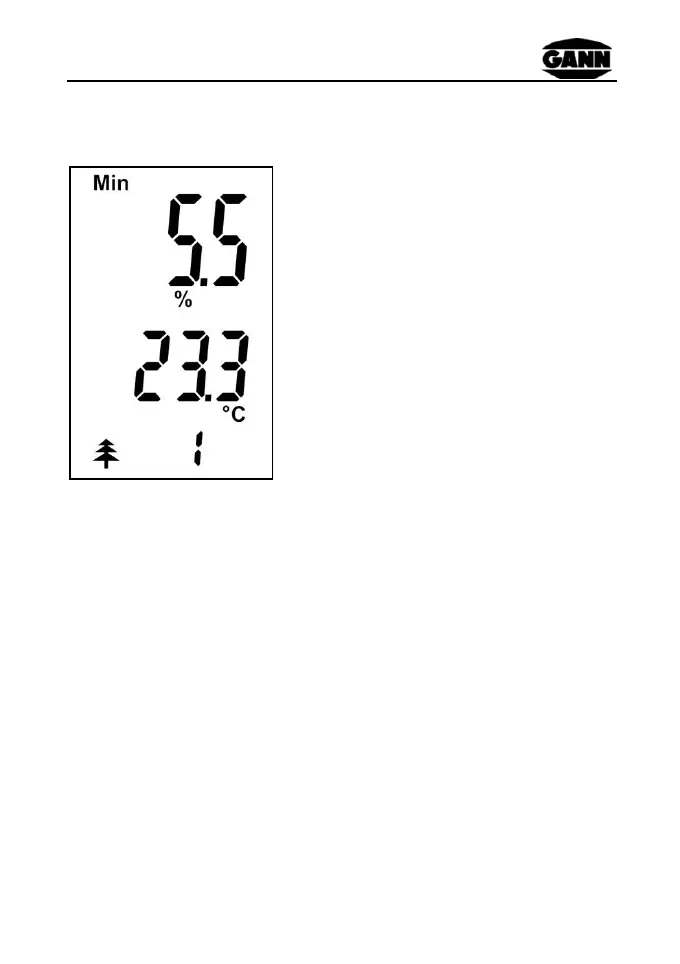
The smallest measured moisture
value of a series is displayed
together with the display icon "Min"
Type icon and ID
To delete a minimum value the displayed value must be selected
by briefly pressing the "M" key (measure key):
The value and the % sign are now flashing and the value can be
deleted by pressing the "M" key longer. Once the value has been
deleted only the % sign flashes. By briefly pressing the "M" key
once again the deletion is confirmed and the % sign disappears.
The instrument returns to the ready mode.
A new measurement can then be carried out using the "M" key.


 To Next Page