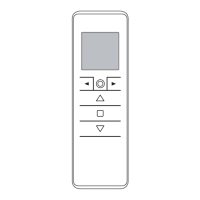
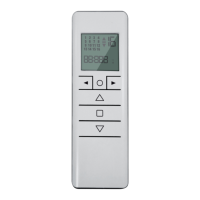
CHANNEL MANAGEMENT [5 channel version]
The channels are selected by pressing buttons 1, 2, 3, 4, 5 and are indicated by the corresponding
LEDs. You can select multiple channels and memorize them by pressing STOP.
Once the selected channel / group has been selected, you can run the corresponding motor
drive with the UP, STOP and DOWN keys. The emitters can memorize up to 8 channel group
combinations. Storing additional groups involves the cancellation of channels already
stored starting from the earliest.
SELECTING A MEMORIZED GROUP OF CHANNELS
With all LEDs off, press the ALL button to select all channels.
Pressing the ALL key again in sequence will repeat the last 8 selected groups according to this
sequence:
All channels
1
st
group memorized
All channels
2
nd
group memorized
All channels
3
rd
group stored
...
...
8th group memorized
Once the selected group has been selected, you can run the corrsponding motors with the UP,
STOP, DESCENT buttons.
CHANNELS


 To Next Page